
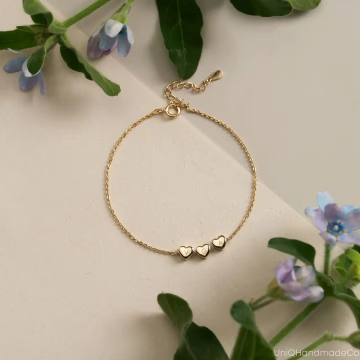
Upload Your Bracelet Product Photo
Use a clear image that shows the bracelet shape, links, stones, charms, closure, metal finish, and other important design details.
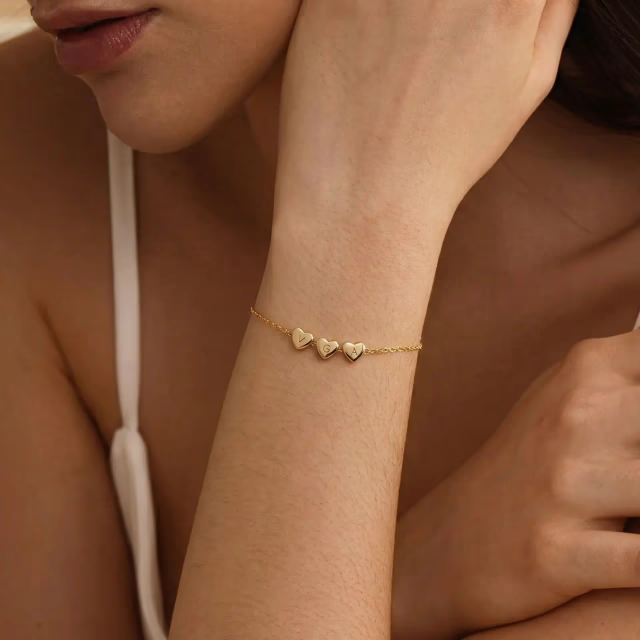
AI Bracelet Model Generator
Upload a bracelet product photo—your bracelet-on-wrist result appears here.
Turn a clear bracelet product image into a realistic on-wrist model photo that shows fit, scale, curvature, closure details, and natural wrist placement.
Help shoppers see how a bracelet looks when worn, with clearer wrist placement, curvature, and visual context than a standard product-only image.
Turn one bracelet product image into a realistic bracelet-on-wrist model photo in under a minute, without arranging a wrist model shoot or extra retouching.
Generate more wearable bracelet visuals for Etsy, Shopify, and ads without repeating expensive photography for every new design.
Upload one bracelet product image, choose a wrist model, and generate a realistic bracelet-on-wrist photo for ecommerce.
Use a clear image that shows the bracelet shape, links, stones, charms, closure, metal finish, and other important design details.
Select a wrist style and pose that match your brand, audience, or listing aesthetic.
Create a realistic bracelet model image for Etsy, Shopify, product pages, ads, and launch content.
Before and after
See how one bracelet product image becomes a realistic on-wrist model photo with natural placement, believable curvature, and clearer fit context.

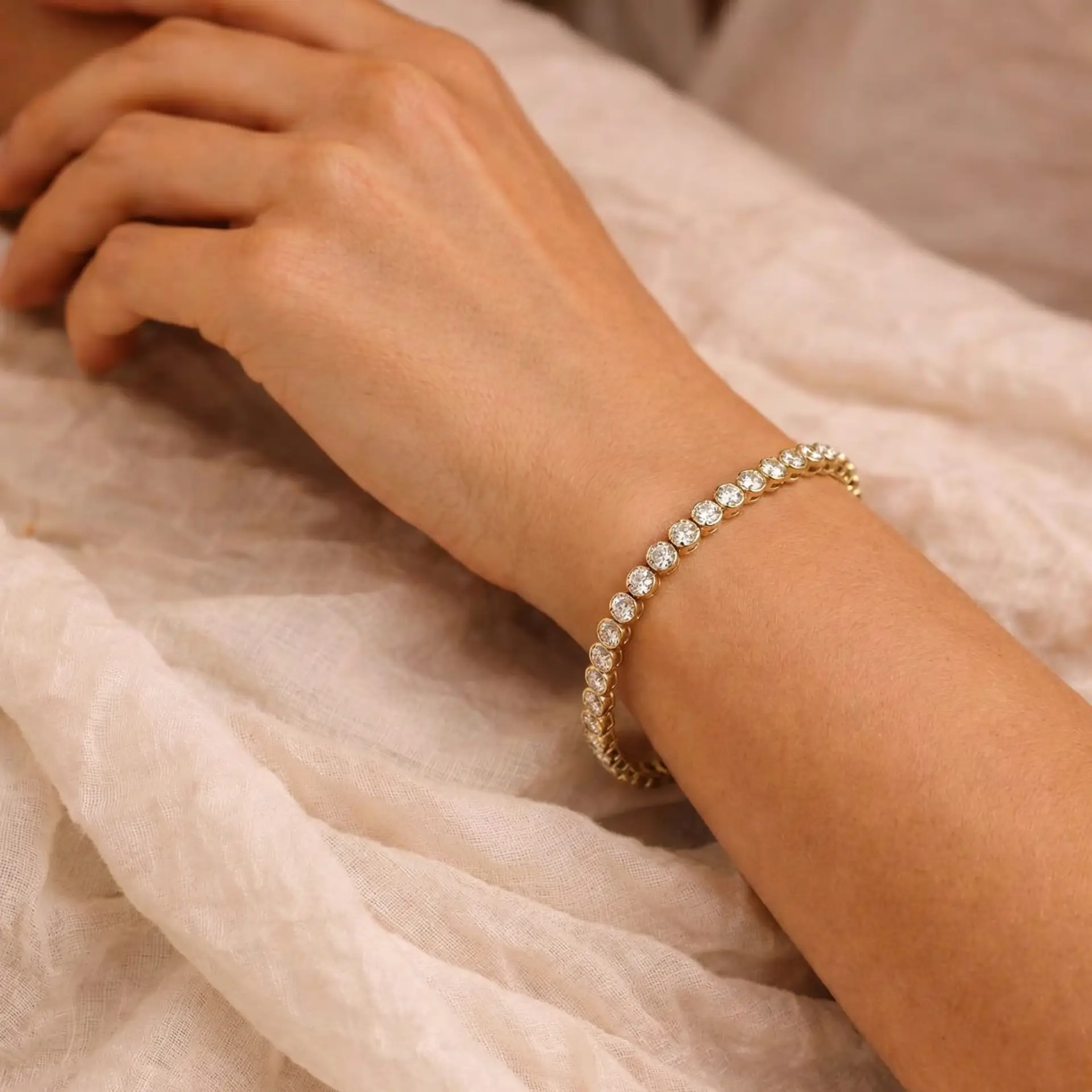
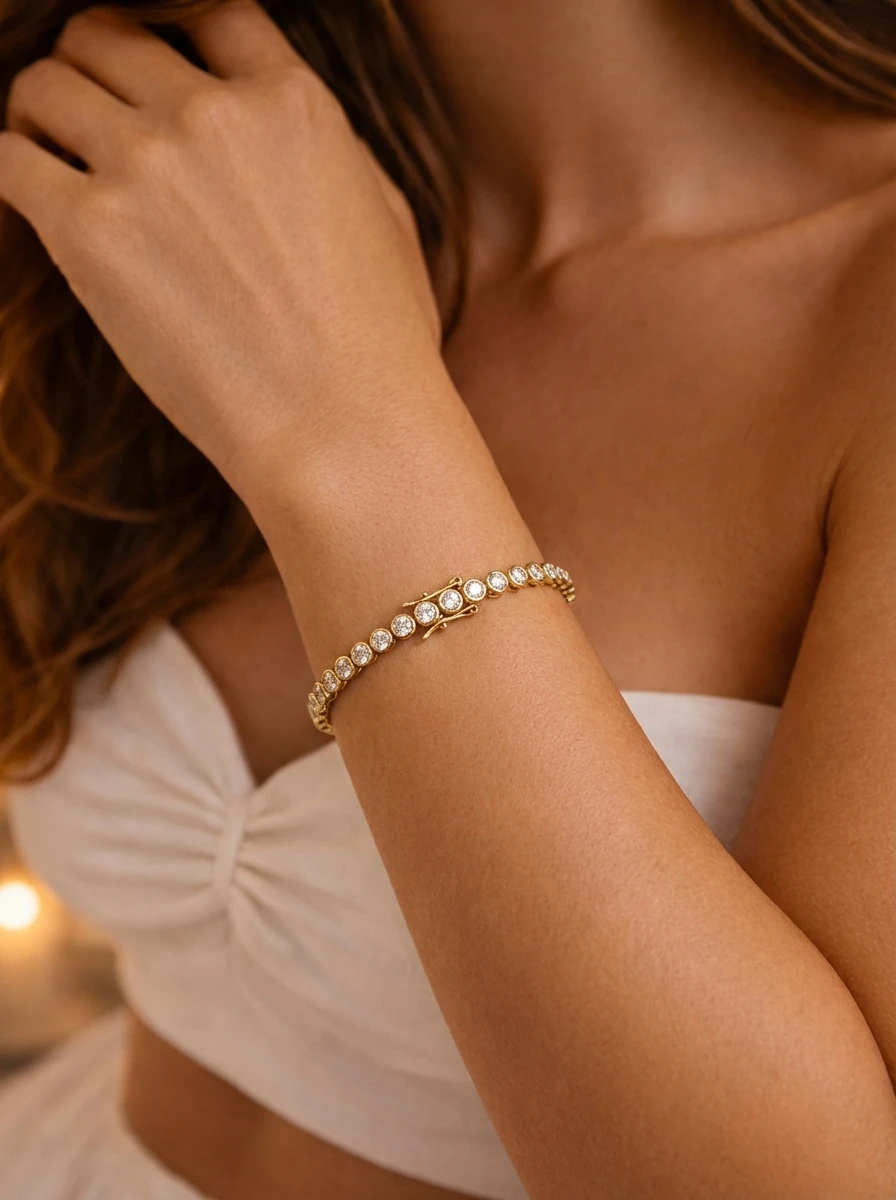
From a product-only image to a realistic jewelry model photo you can use across ecommerce and marketing.
Use realistic bracelet-on-wrist and bracelet model images across your storefront, launch content, and paid campaigns.
Add worn-bracelet visuals that help shoppers understand fit impression, wrist placement, and how the bracelet looks when worn.
Use bracelet-on-wrist photos to make product pages feel more complete and easier to shop.
Turn bracelet product images into wearable visuals for ad tests, promotions, and seasonal campaigns.
Create launch-ready bracelet images quickly when a white-background product photo is not enough.
Create realistic bracelet-on-wrist photos that place the bracelet in a natural worn setting instead of a flat product-only view. The final result is designed to feel clean, believable, and ready for ecommerce use, with balanced lighting, clear detail, and a polished presentation that helps shoppers visualize the bracelet more easily.
Ideal for sellers who want more premium-looking bracelet images without arranging a full photoshoot.
Explore ExampleShow believable wrist coverage, bracelet curvature, clasp position, chain drape, and overall scale for chain bracelets, tennis bracelets, bangles, cuffs, charm bracelets, pearl bracelets, and beaded styles.
Especially useful for wrist-fit-sensitive listings where shoppers need more context than a flat product image can provide.
View Result
Generate multiple wearable visuals in a more consistent style across your catalog, including clean bracelet listing photos for listings, launches, and creative testing. Instead of relying on a single white-background product photo, you can create repeatable bracelet visuals that look more polished and more useful for ecommerce.
Helpful for Etsy shops, Shopify stores, and brands that need wearable bracelet visuals at scale.
See Example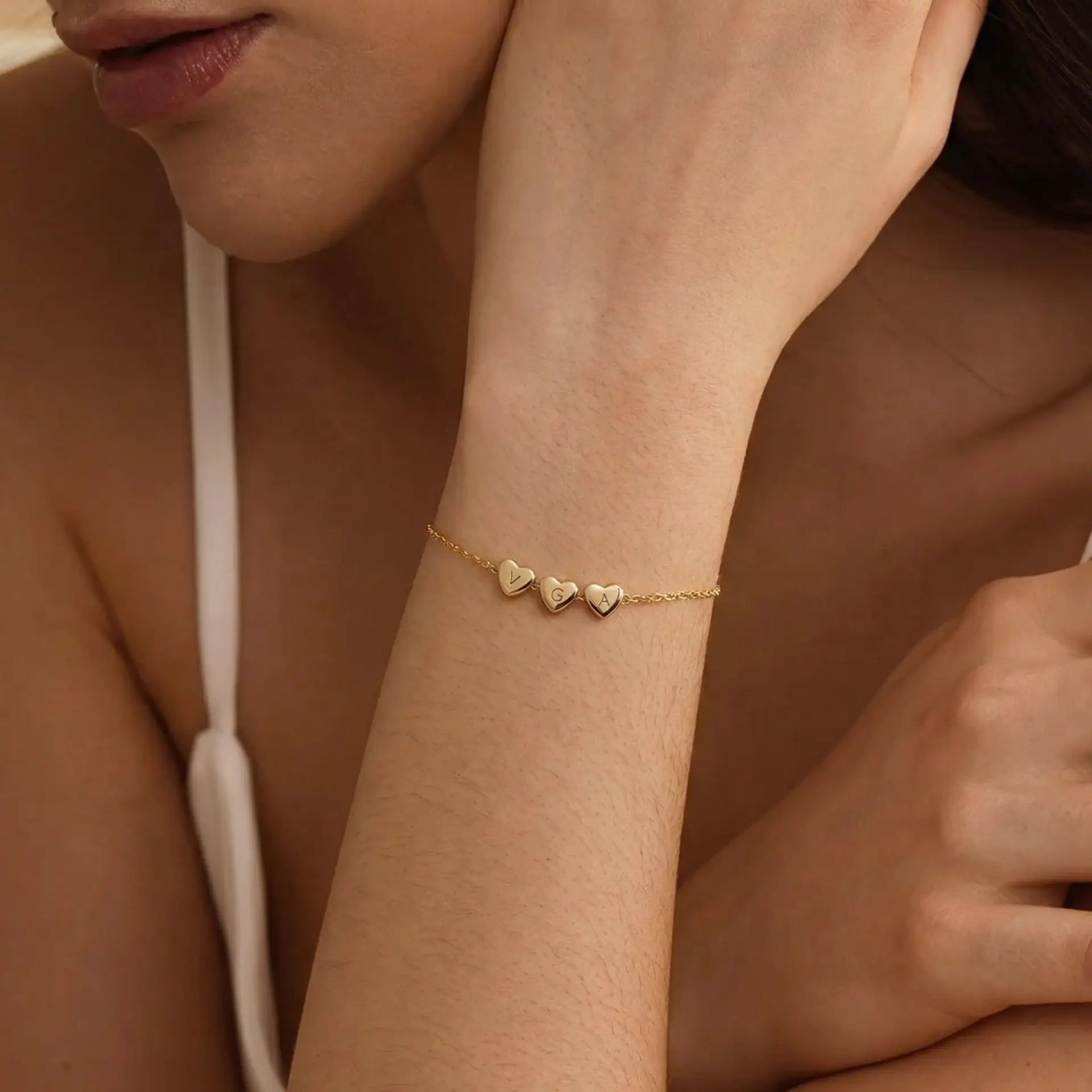
An AI bracelet model generator turns a bracelet product image into a realistic bracelet-on-wrist model photo for listings, product pages, ads, and launch content.
Yes. Upload a clear bracelet product photo, choose a wrist model, and generate an on-wrist image that shows the bracelet being worn.
Use a well-lit product image with visible links, stones, charms, clasp details, metal finish, and clean edges. Clear source details help the bracelet stay recognizable.
The output is designed to show believable wrist coverage, bracelet curvature, scale impression, and natural placement without claiming exact wrist sizing.
Yes. It can create on-wrist model photos for chain bracelets, tennis bracelets, bangles, cuffs, charm bracelets, pearl bracelets, beaded bracelets, and delicate bracelet styles.
AI Bracelet Model is designed primarily for showing one bracelet product on a wrist. AI Bracelet Stack combines multiple bracelet product photos into one layered wrist-stack image.
Bracelet model photos show the bracelet being worn and help buyers judge scale, fit impression, curvature, and styling. Product photos focus on the bracelet alone, including white-background, close-up, styled, and catalog images.
Yes. You can use bracelet-on-wrist images for Etsy listings, Shopify product pages, paid social creatives, email launches, and other ecommerce visuals.
Compare focused example pages for listing photos, bracelet-on-wrist visuals, and product-gallery planning before generating the next image set.
Compare bracelet-on-wrist crops for fit, scale, and wearable context.
Open exampleSee how gold bracelets reflect light and sit against the wrist.
Open exampleReview bangle width, wrist spacing, and structured bracelet placement.
Open exampleExplore charm visibility, drop, and detail context on the wrist.
Open exampleCompare stacked bracelet spacing, order, and layered wrist styling.
Open exampleMove between model-photo tools and product-photo generators to build complete listing galleries.
Related Tool
Combine multiple bracelet product photos into one realistic stacked-bracelet image on a wrist.
Open ToolRelated Tool
Create white-background, styled, close-up, and ecommerce-ready bracelet product images.
Open ToolRelated Tool
Plan a complete bracelet image set with on-wrist photos, product-only shots, detail images, closure views, and listing order.
Open ToolRelated Tool
Turn bracelet product images and on-wrist visuals into short ecommerce and campaign videos.
Open ToolUse AI Jewelry Model to create listing-ready bracelet-on-wrist photos for Etsy, Shopify, ads, and social media.