
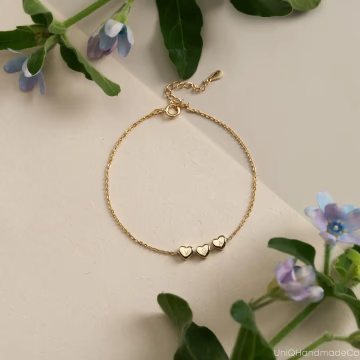
Upload your bracelet image
Start with a clear product photo that shows the bracelet shape, material, finish, and stackable design clearly.
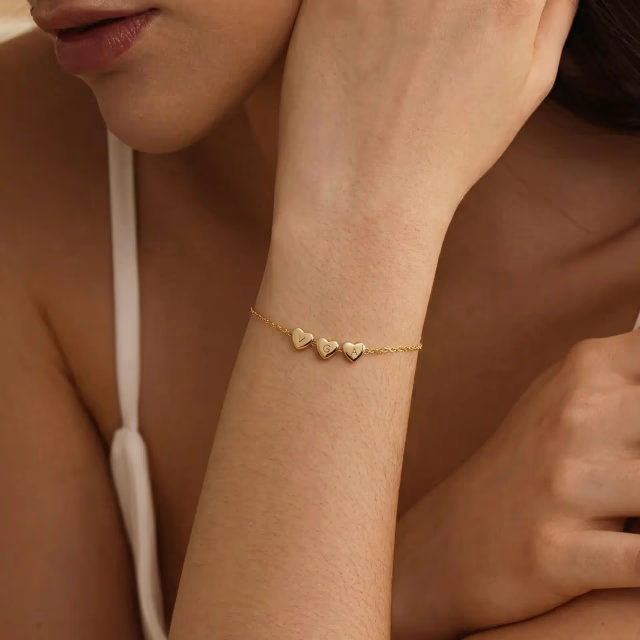
Create Bracelet Stack Photos
Upload your product photo to begin
Create realistic bracelet stack visuals from a single product image with AI Bracelet Stack workflows built for faster listings, launches, and ecommerce content.
Help shoppers see how multiple bracelets look when worn together, with clearer layering, styling, and visual context than a standard product-only image.
Turn one product image into realistic AI Bracelet Stack Photos in Under a Minute, without arranging a wrist model shoot or manually building stacked bracelet visuals.
Generate more bracelet stack on wrist visuals for Etsy, Shopify, and ads without repeating expensive photography for every new set or combination.
A simple workflow for turning your product image into a realistic bracelet stack visual.
Start with a clear product photo that shows the bracelet shape, material, finish, and stackable design clearly.
Select the wrist style that best matches your brand, audience, or listing aesthetic.
Create a realistic AI Bracelet Stack result that turns your product image into clean stackable bracelets content for ecommerce use.
See how a standard product image becomes a more useful AI Bracelet Stack photo with realistic wrist placement, layered styling, and better wearable context.

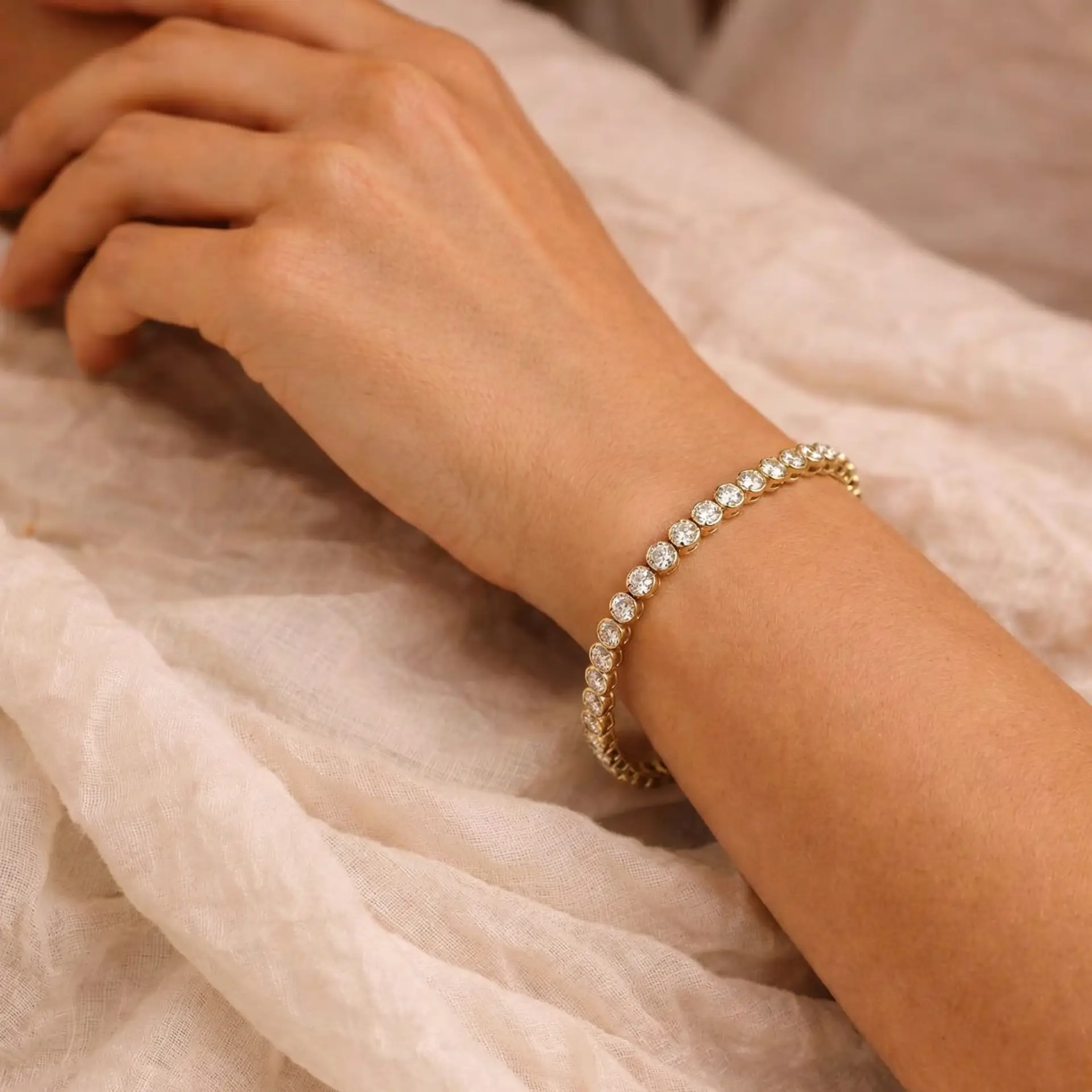
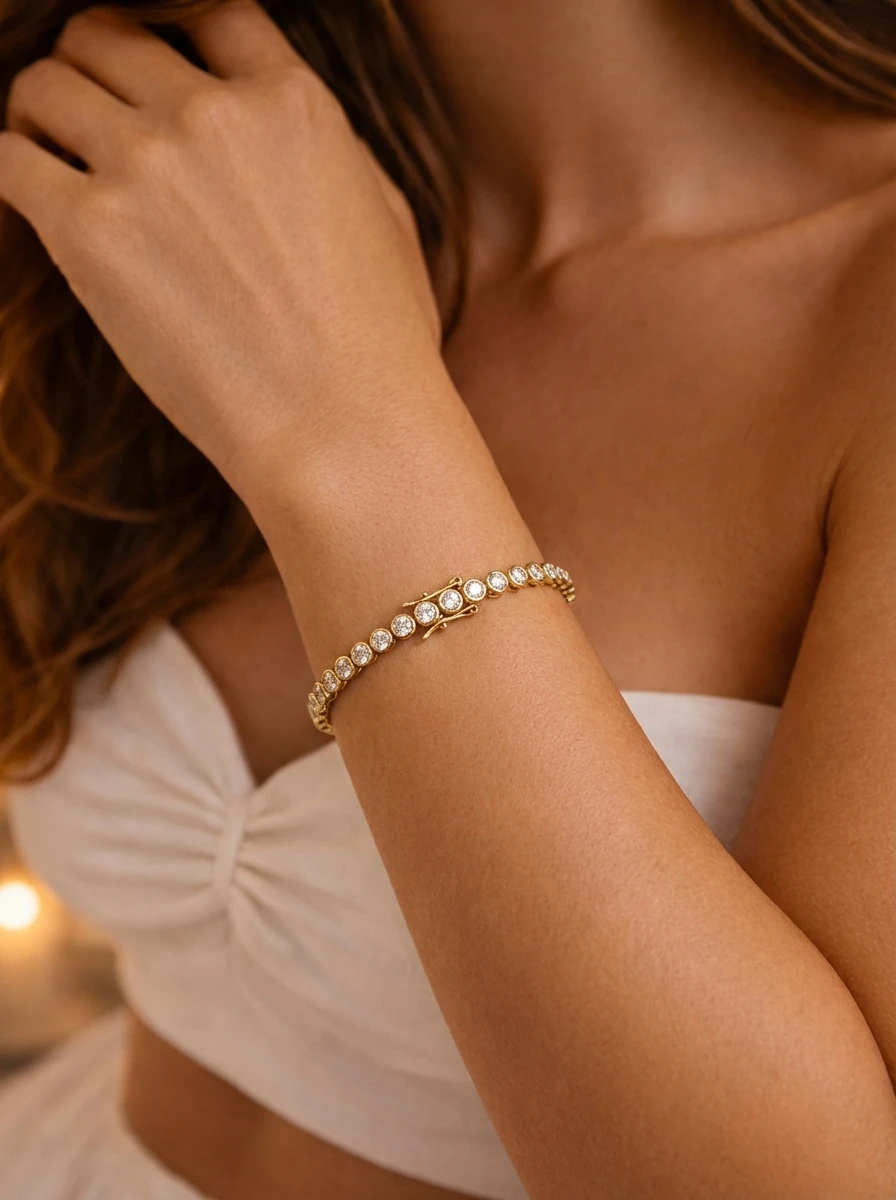
From a product-only image to a realistic jewelry model photo you can use across ecommerce and marketing.
Use realistic bracelet stack and stackable bracelets visuals across your storefront, launch content, and paid campaigns.
Add stacked-bracelet visuals that help shoppers understand layering, styling, and how multiple bracelets look when worn together.
Use bracelet stack on wrist photos to make product pages feel more complete and easier to shop.
Turn bracelet product images into wearable stacking bracelets visuals for ad tests, promotions, and seasonal campaigns.
Create launch-ready bracelet stack set images quickly when a white-background product photo is not enough.
Create realistic bracelet stack on wrist photos with AI Bracelet Stack technology that show multiple bracelets in a natural worn setting instead of a flat product-only view. The final result is designed to feel clean, believable, and ready for ecommerce use, with balanced lighting, clear detail, and a polished presentation that helps shoppers visualize the full stack more easily.
Ideal for sellers who want more premium-looking stackable bracelets images without arranging a full photoshoot.
Explore Example
Every AI Bracelet Stack image is designed to show the bracelets with believable spacing, natural wrist placement, and a realistic stacked presentation. This helps the final image feel more trustworthy, so shoppers can better understand fit impression, stack order, and how the bracelets appear when worn together.
Especially useful for chain bracelets, cuffs, bead styles, tennis bracelets, and other detail-sensitive stack combinations.
View Result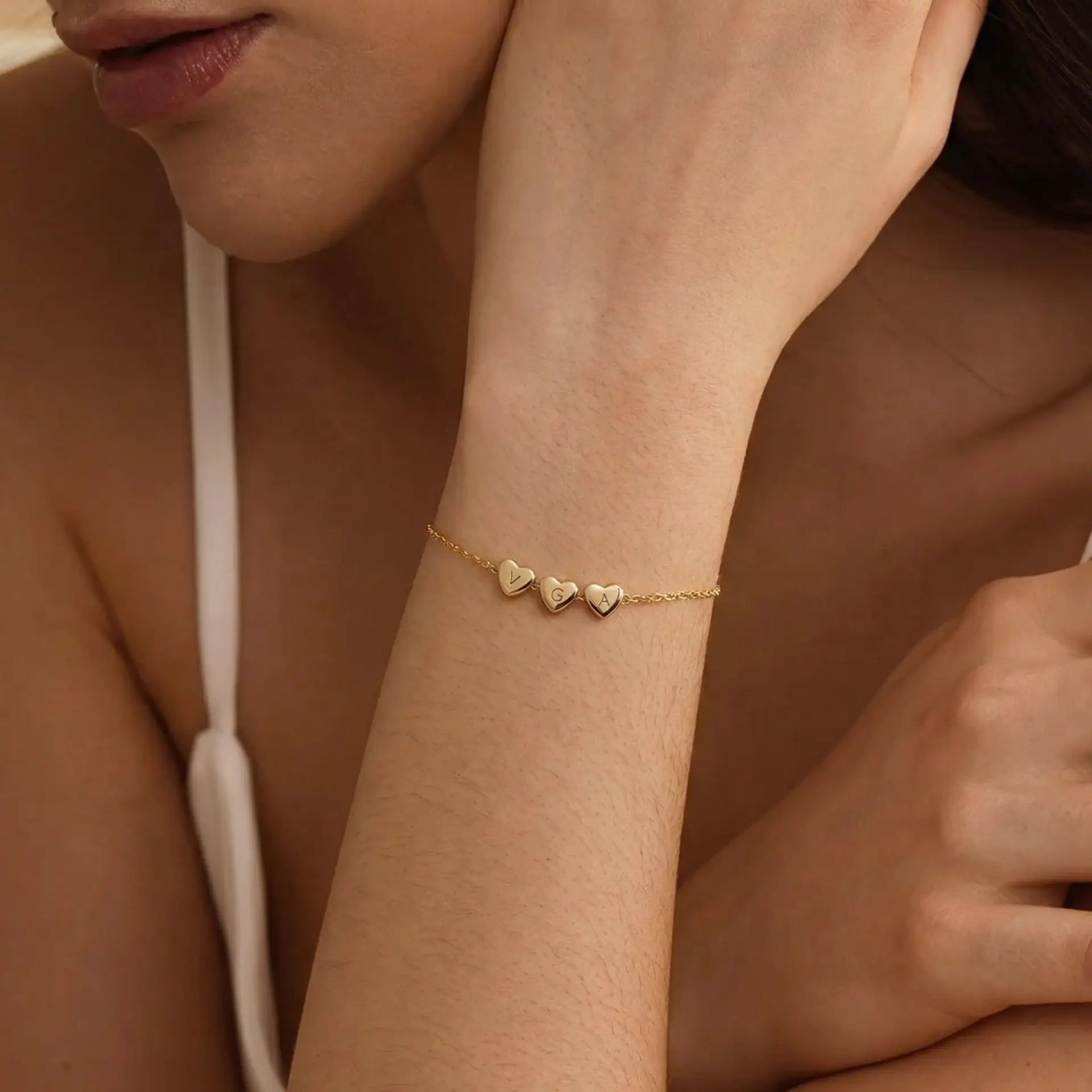
Generate multiple wearable visuals in a more consistent style across your catalog, including clean AI Bracelet Stack Photos for listings, launches, and creative testing. Instead of relying on a single white-background product photo, you can create repeatable bracelet stack visuals that look more polished and more useful for ecommerce.
Helpful for Etsy shops, Shopify stores, and brands that need wearable stackable bracelets visuals at scale.
See ExampleAn AI Bracelet Stack workflow turns a product image into a realistic worn-bracelet visual, helping sellers create bracelet stack and bracelet stack on wrist photos without a traditional photoshoot.
A clear product image with good lighting, visible bracelet details, and a simple background usually produces the best result for stackable bracelets visuals.
Yes. The tool is designed to generate realistic AI Bracelet Stack Photos for product pages, marketplaces, ads, and launch content.
The goal of each AI Bracelet Stack output is to keep the bracelets recognizable in shape, material, finish, and key design details while placing them naturally in a believable stacked arrangement.
You can use these images for Etsy listings, Shopify product pages, paid social creatives, email launches, and other ecommerce visuals.
Yes. The tool is suitable for stackable bracelets, bracelet stack set visuals, and other layered bracelet presentations where shoppers need to see how multiple bracelets look together.
Move between model-photo tools and product-photo generators to build complete listing galleries for rings, necklaces, earrings, and bracelets.
Related Tool
Create coordinated hand-and-wrist merchandising for bundles and gift edits.
Open ToolRelated Tool
Pair stacked bracelet visuals with layered necklace sets for collection storytelling.
Open ToolRelated Tool
Complete multi-piece accessory stories with realistic ear stack imagery.
Open ToolCreate realistic stackable bracelet photos with the AI jewelry model tool — natural spacing, scale, and listing-ready styling.