
Build a Complete Listing Gallery
Create six coordinated AI jewelry listing photos from one source image instead of filling your gallery one prompt at a time.
Create AI jewelry photos from one product image. Generate model try-on, close-up, scale, product angle, and lifestyle images for your jewelry listing.
Loading model...
Used for wearing and try-on outputs.
Sign in to try the 1K Listing Hero preview first. Paid members can generate all six listing images.
The AI jewelry photo workflow gives a product gallery everything it needs from one source image and one set of controls.
Create six coordinated AI jewelry listing photos from one source image instead of filling your gallery one prompt at a time.
Choose jewelry type, model image, visual style, aspect ratio, and resolution once, then apply that direction across all six outputs.
Each pack runs as real image jobs, appears in history, and lets you improve individual AI jewelry photos after the first pass.
AI jewelry photo examples
Each AI jewelry photo has a specific gallery job: first impression, worn scale, detail proof, product inspection, and launch-ready support creative.
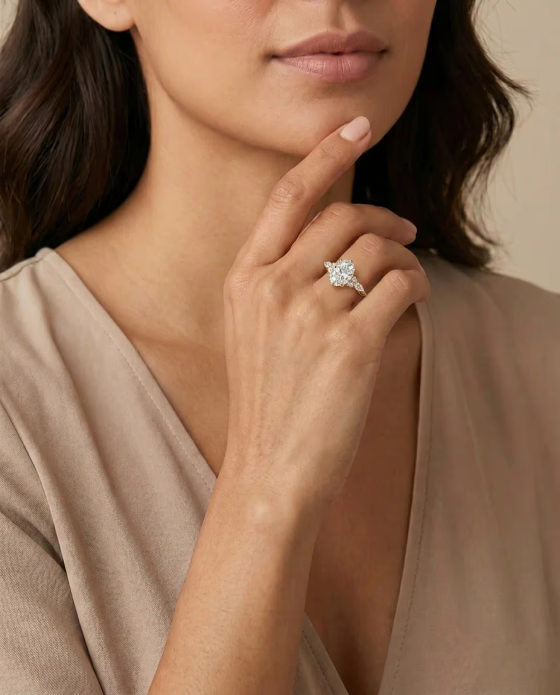
Listing Hero
Readable in marketplace grids and product-page heroes.
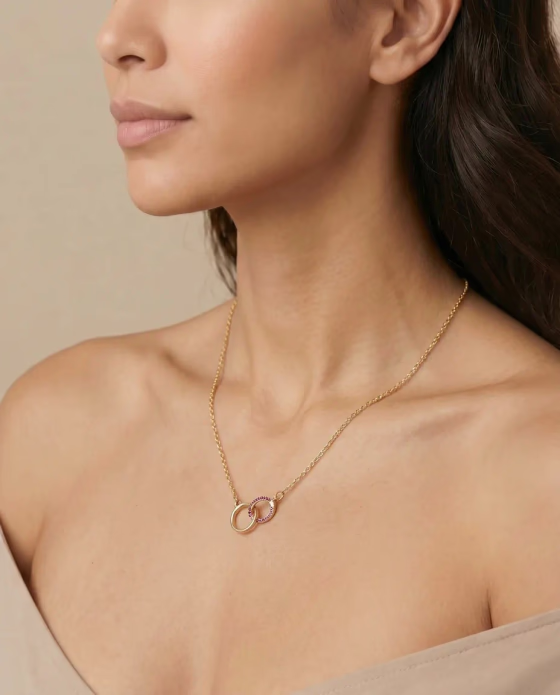
Try-On
Shows fit and placement without a new model shoot.
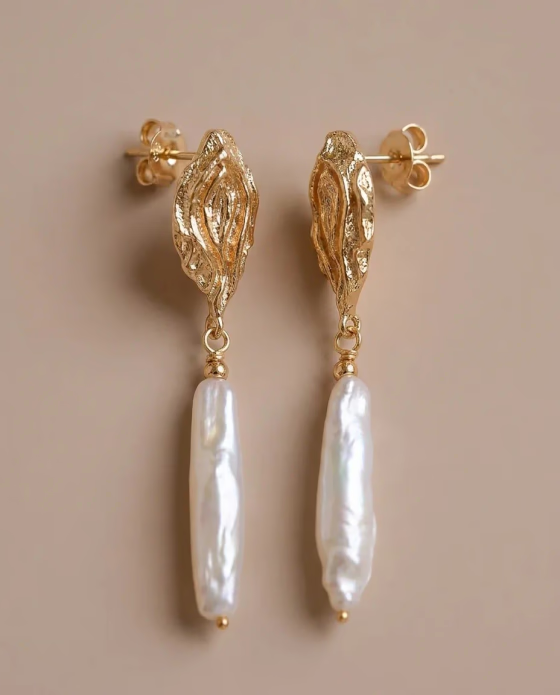
Detail
Gives buyers a closer look at material and setting detail.
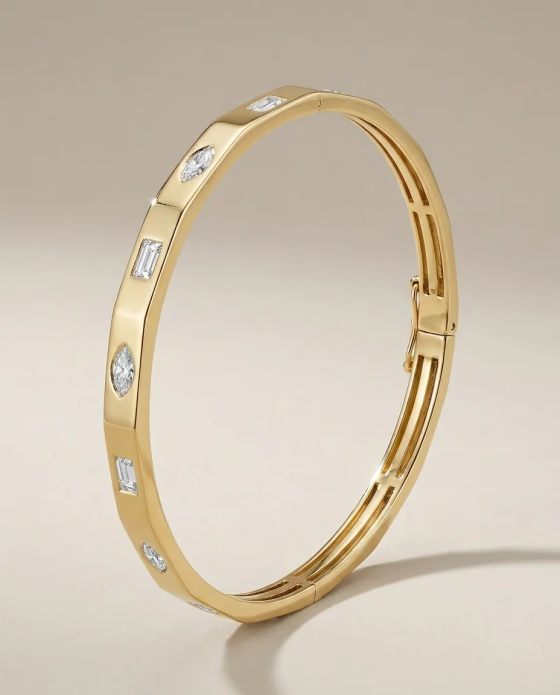
Second Angle
Adds a different AI jewelry photo view for structure and profile.
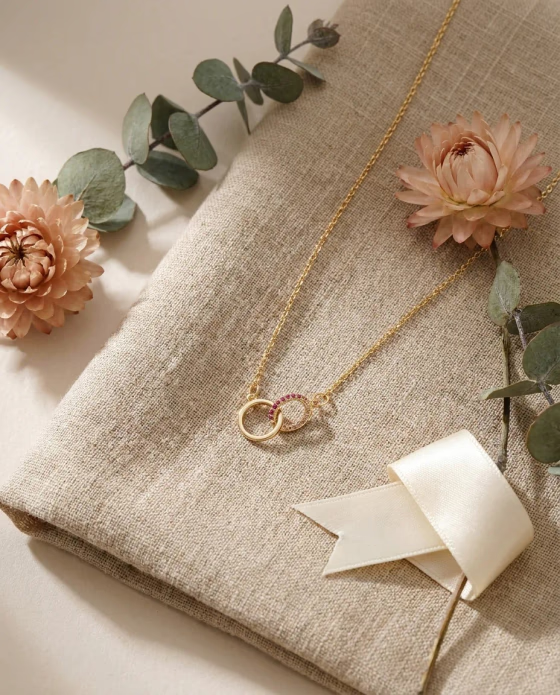
Lifestyle
Creates a gift or campaign image from the same product source.
The AI Jewelry Photo Generator workflow follows the workbench: upload the product, choose the pack settings, then review and refine the generated results.
Start with a clear jewelry product image. The AI jewelry photo workflow reads the design, material, stones, shape, and details from that source.
Select jewelry type, model image, visual style, aspect ratio, and resolution so the pack matches the listing format you need.
Create six AI jewelry photos, then use the results view to download, fine-tune worn images, regenerate, or revisit the pack from generation history.
A cohesive AI jewelry photo gallery covers thumbnail clarity, worn context, product inspection, and support creative.
1. Listing Hero
Gives the listing a clean AI jewelry photo that is readable in marketplace grids and product-page heroes.
2. Close Try-On
Creates an AI jewelry model photo that shows how the jewelry sits on the hand, neck, ear, or wrist.
3. Detail Try-On
Adds an AI jewelry try-on photo so shoppers can judge size, placement, drape, and visible detail.
4. Close-Up Detail
Focuses on stone setting, texture, clasp, finish, engraving, chain links, or other trust-building details.
5. Product Angle
Creates a second product-led angle for side profile, thickness, backing, shank, clasp, or construction.
6. Lifestyle / Gift
Adds a tasteful lifestyle or gift-context image for ads, collections, email, and social posts.
Marketplace fit
The tool is built around listing jobs, not isolated image prompts. Each pack gives shoppers product clarity, worn context, detail proof, and AI jewelry photo support images that can move across storefronts and campaigns.
EtsyBuild a gallery that covers thumbnail clarity, worn scale, craft detail, and gift-ready support images without staging a new shoot for every SKU.
ShopifyFill PDP image slots with a product hero, model context, close detail, second angle, and campaign-ready creative from the same product reference.
AmazonUse the pack to plan compliant main images, detail support shots, and buyer education assets before sending final files into a marketplace workflow.
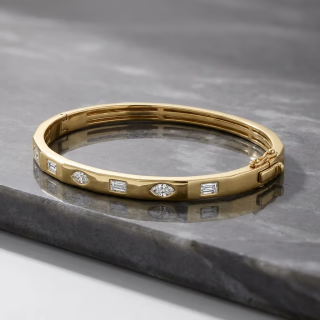 Launches
Turn one product source into enough AI jewelry photo variation for new-arrival launches, paid social tests, seasonal emails, and collection page updates.
Tool comparison
A single jewelry photo AI edit can improve a product image, and a model image can add wearing context. The AI Jewelry Photo Generator is for the moment when the full product gallery needs to look planned, consistent, and ready for shoppers to inspect.
Best when one existing jewelry product photo AI edit needs cleanup or styling.
Outputs
One edited product image.
Shopper context
Improves the source photo but usually keeps the same selling angle.
Review workflow
Review one result and edit again if needed.
Best for
Retouching, background changes, and simple product refreshes.
Best when the missing asset is one on-model wearing image.
Outputs
One AI jewelry model photo or try-on image.
Shopper context
Shows fit, placement, and how the jewelry looks when worn.
Review workflow
Review one wearing output against the selected model reference.
Best for
Adding one model image to a listing that already has product shots.
Best when the product page needs a complete coordinated gallery.
Outputs
Hero, try-on close-up, scale view, detail, second angle, and lifestyle scene.
Shopper context
Covers thumbnail clarity, wearing context, inspection detail, and support creative.
Review workflow
Review the full gallery, then fine-tune worn-image slots or regenerate individual images.
Best for
Launching or refreshing listings that need a complete product gallery.
Use AI jewelry photos anywhere a jewelry listing needs more context than one flat product photo can provide.

Listing ready
Use one AI jewelry photo pack for product pages, marketplace galleries, launch ads, and catalog refreshes.
The AI jewelry photo pack creates a listing hero, close try-on, detail try-on, close-up detail image, second product angle, and lifestyle or gift-context image.
Yes. The selected model guides the wearing outputs, so the pack can create an AI jewelry model photo that fits the jewelry type.
Yes. The workbench lets you choose aspect ratio and resolution before generation. Higher-resolution output may require an eligible plan.
Yes. After generation, you can review the pack, fine-tune the worn-image slots, regenerate individual slots, download results, or start over.
Each generated pack appears in your generation history, so you can return to results after the initial generation finishes.
The workflow is designed to preserve the product's shape, material, color, stone layout, and important design details while creating listing-ready jewelry photos.
Use AI Jewelry Model to turn one product image into AI jewelry photos for Etsy, Shopify, ads, and catalog refreshes.
Create My Photo Pack