
Step 1
Pick the image role
Decide whether your necklace needs a hero, a detail close-up, a worn-scale shot, or a collection crop. The gallery below shows each role for pendant placement and scale planning.
Pendant Necklace on Model Examples show how necklaces read once they are actually worn instead of photographed flat — the quickest way to help a shopper picture the piece before buying. Each reference in the gallery below is chosen to highlight pendant size, chain length, and neckline placement, so you can judge crop distance and image role at a glance. These directions suit Pendant necklace listings, Shopify PDP galleries, and Etsy necklace launch pages, and work best as Pendant PDP hero images that build buyer confidence rather than a single catch-all photo. When one matches your catalog, open AI Necklace Model and recreate it from a single product image — no model booking, studio, or reshoot required.
Scenario
pendant placement and scale planning
Gallery
16 curated images
Output
listing-ready brief

A bright, conversion-friendly necklace example with a silver halo pendant and clean neckline framing for PDP and ad use.
Image Gallery
Each image is a curated reference for comparing crop distance, model context, and image role before creating a seller-ready production brief.

Shopify
A warm editorial necklace example with a centered gold leaf pendant and open neckline framing for product-focused storytelling.
Shopify
A bright, conversion-friendly necklace example with a silver halo pendant and clean neckline framing for PDP and ad use.

Etsy
A soft gold-and-pearl necklace example with open shoulder framing and centered pendant placement for marketplace listings.

Etsy
A playful pendant example with a white cat motif, gold chain, and close neckline crop for charm-based jewelry merchandising.

Etsy
A square lifestyle necklace example that combines personalization and color accent without losing neckline clarity.

Etsy
A close necklace example with a gold coin pendant, rope chain texture, and centered neckline crop for detail-heavy merchandising.

Shopify
A polished on-model necklace example with alternating pearl and silver beads, a small center pendant, and clean portrait framing.
Shopify
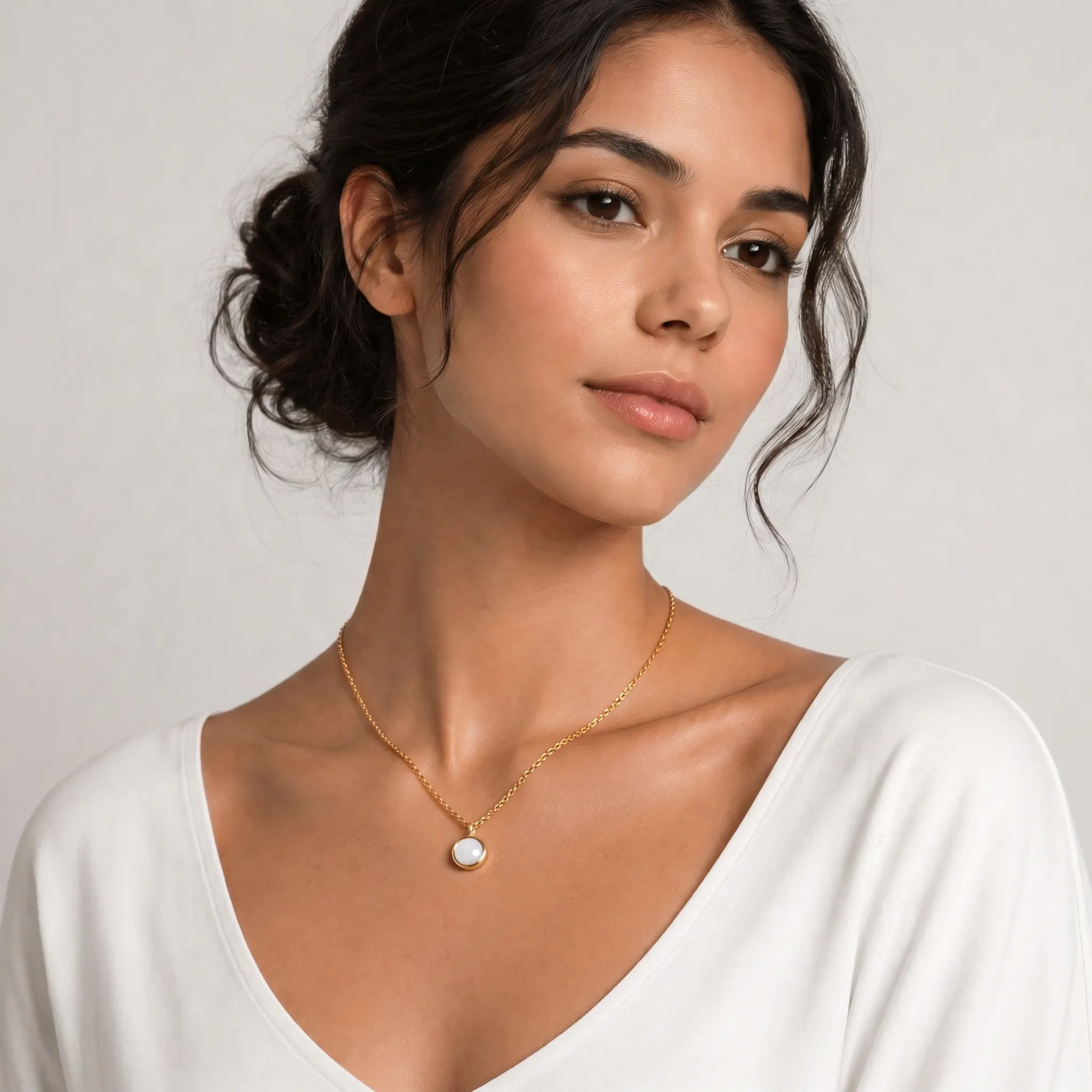
A centered pendant necklace model image where the round mother-of-pearl detail and neckline placement are both easy to compare.
Shopify
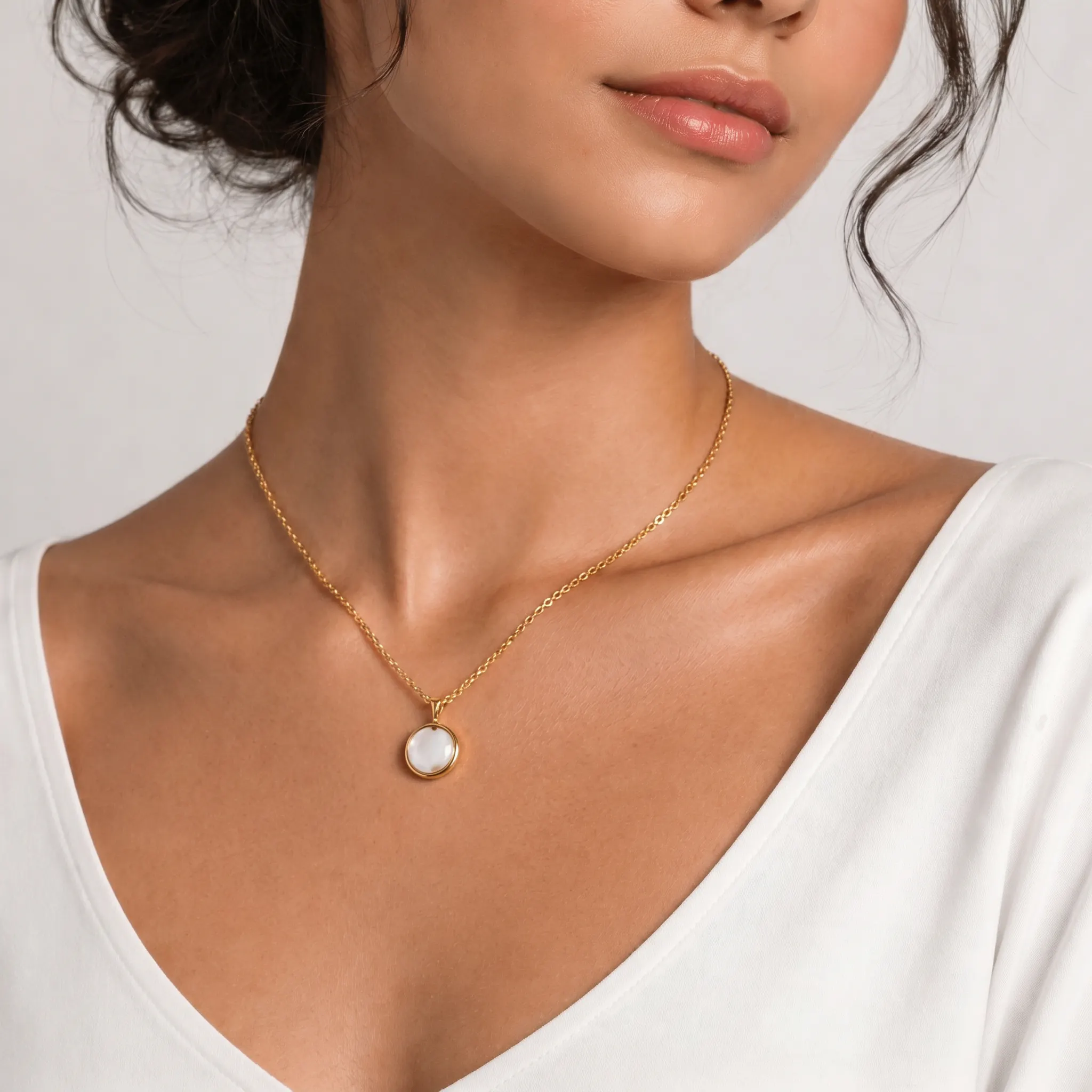
An alternate hero crop for the same mother-of-pearl pendant necklace, useful for comparing similar necklace gallery roles together.
Shopify
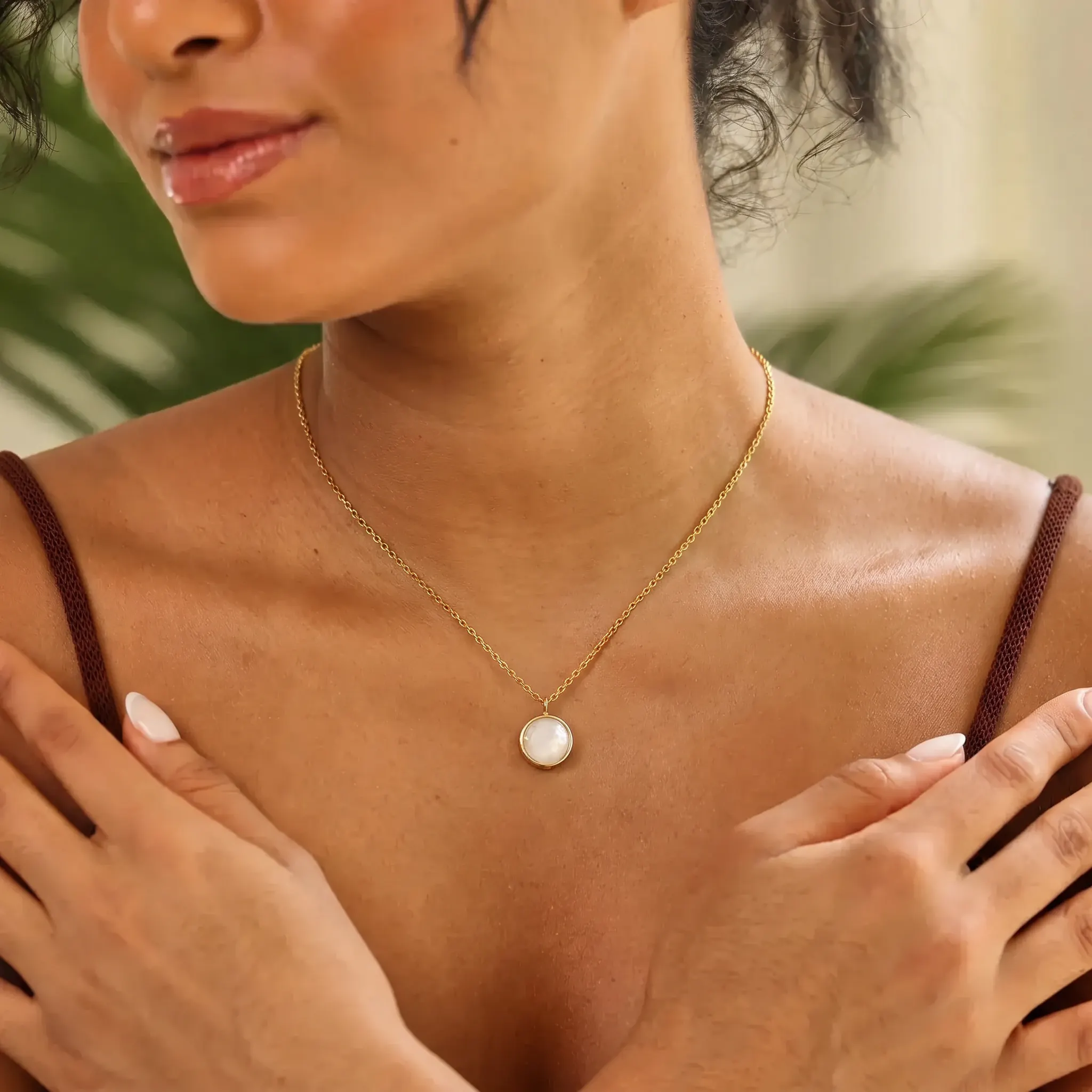
A closer pendant detail that can support a necklace PDP gallery without becoming a separate thin example page.
Etsy
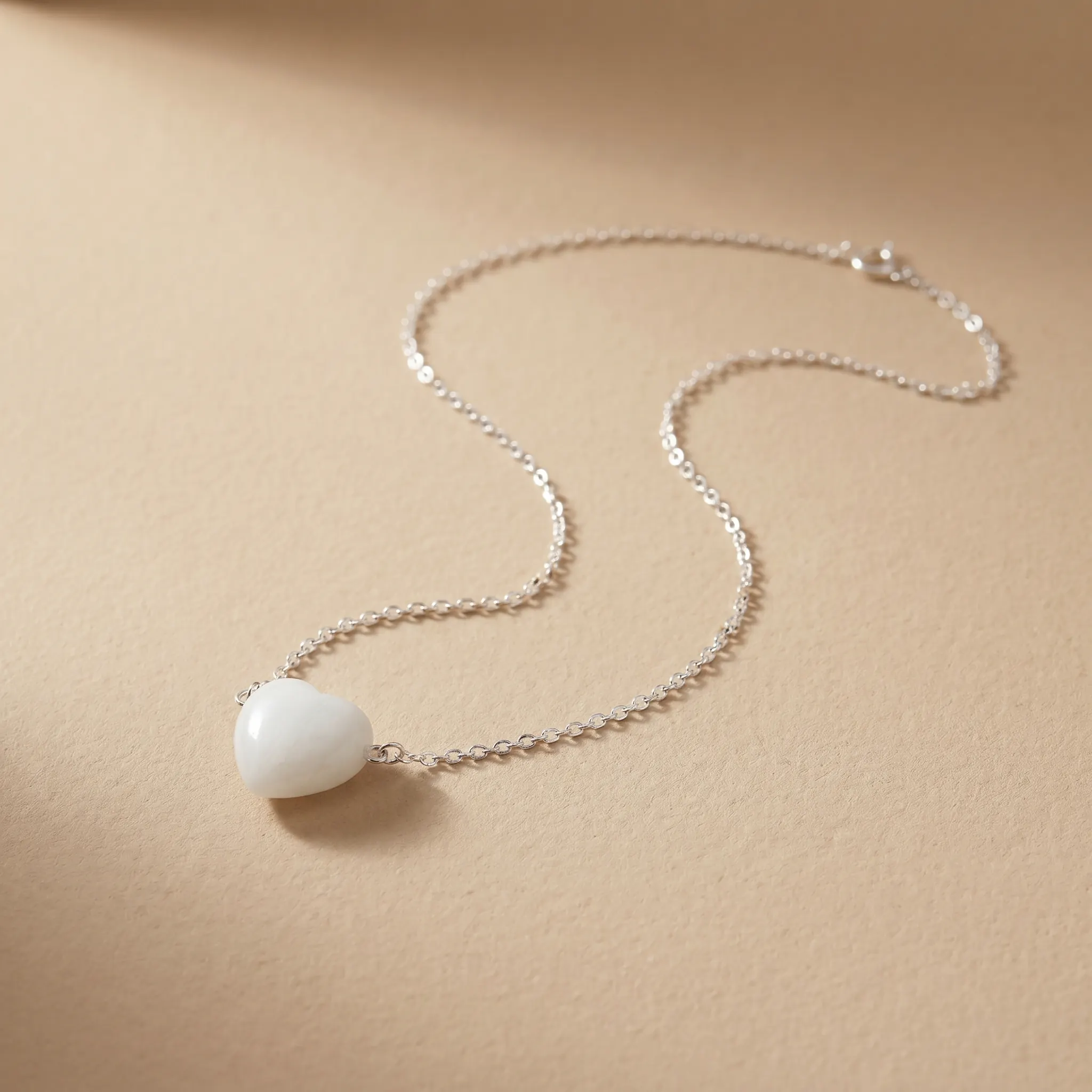
A product-forward white heart pendant reference with clean contrast and simple marketplace-ready styling.
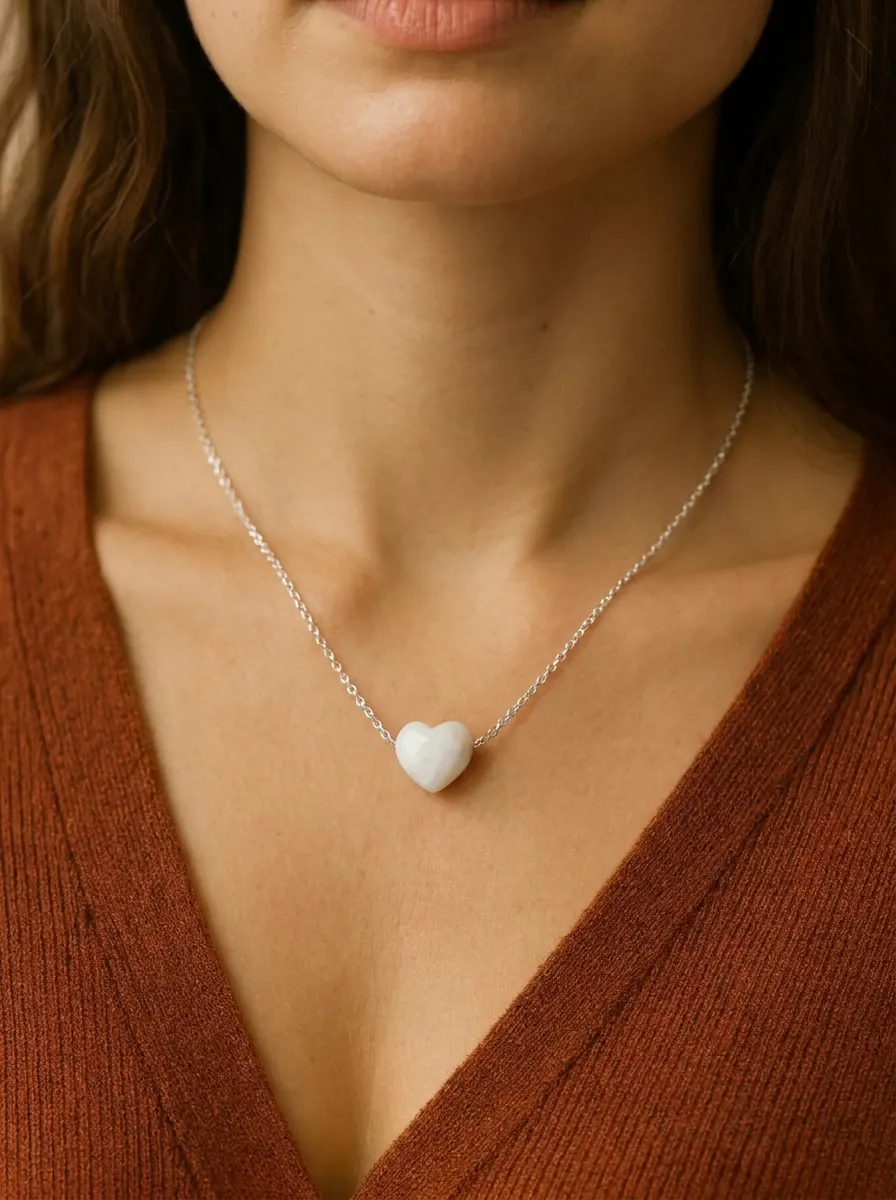
Etsy
An on-model heart pendant necklace crop that can support Etsy listing planning without requiring its own detail page.
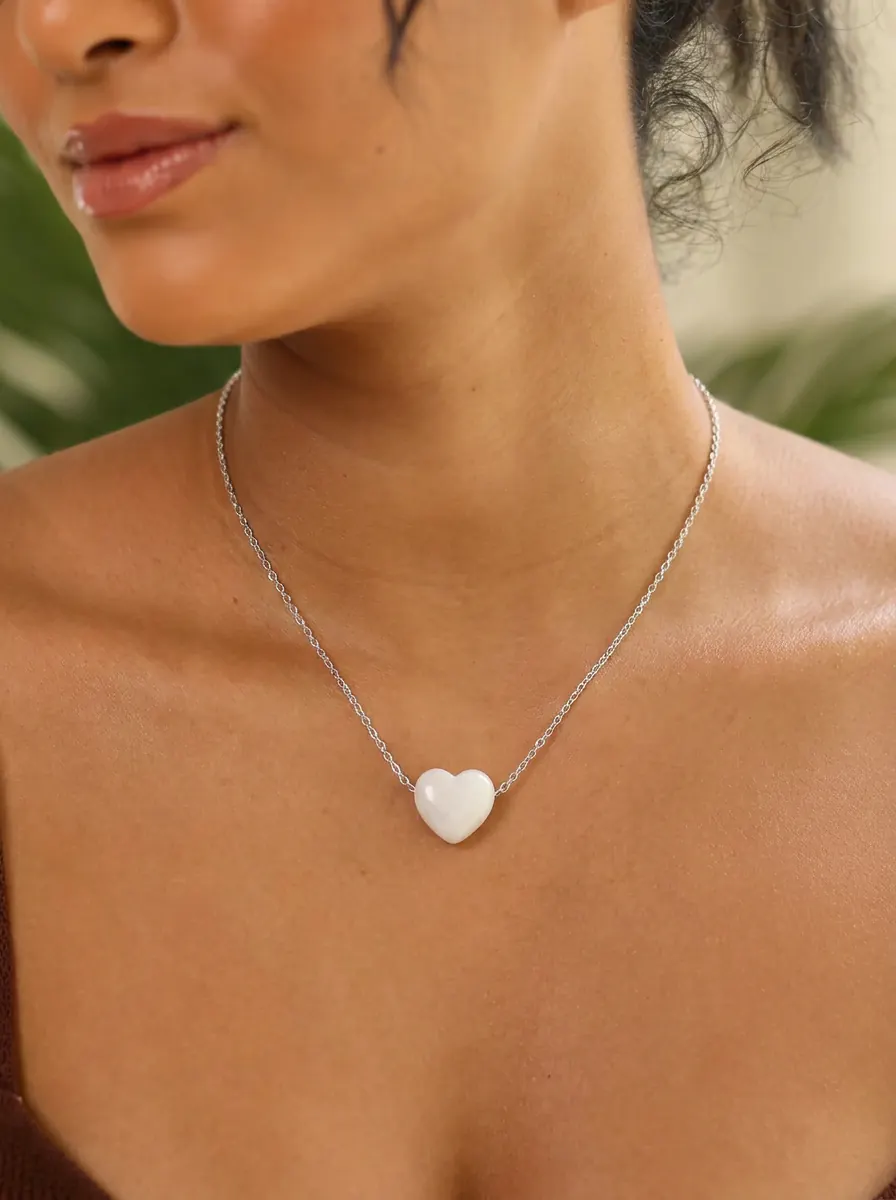
Etsy
A tighter white heart pendant detail that belongs with other heart necklace references instead of a standalone URL.
General ecommerce
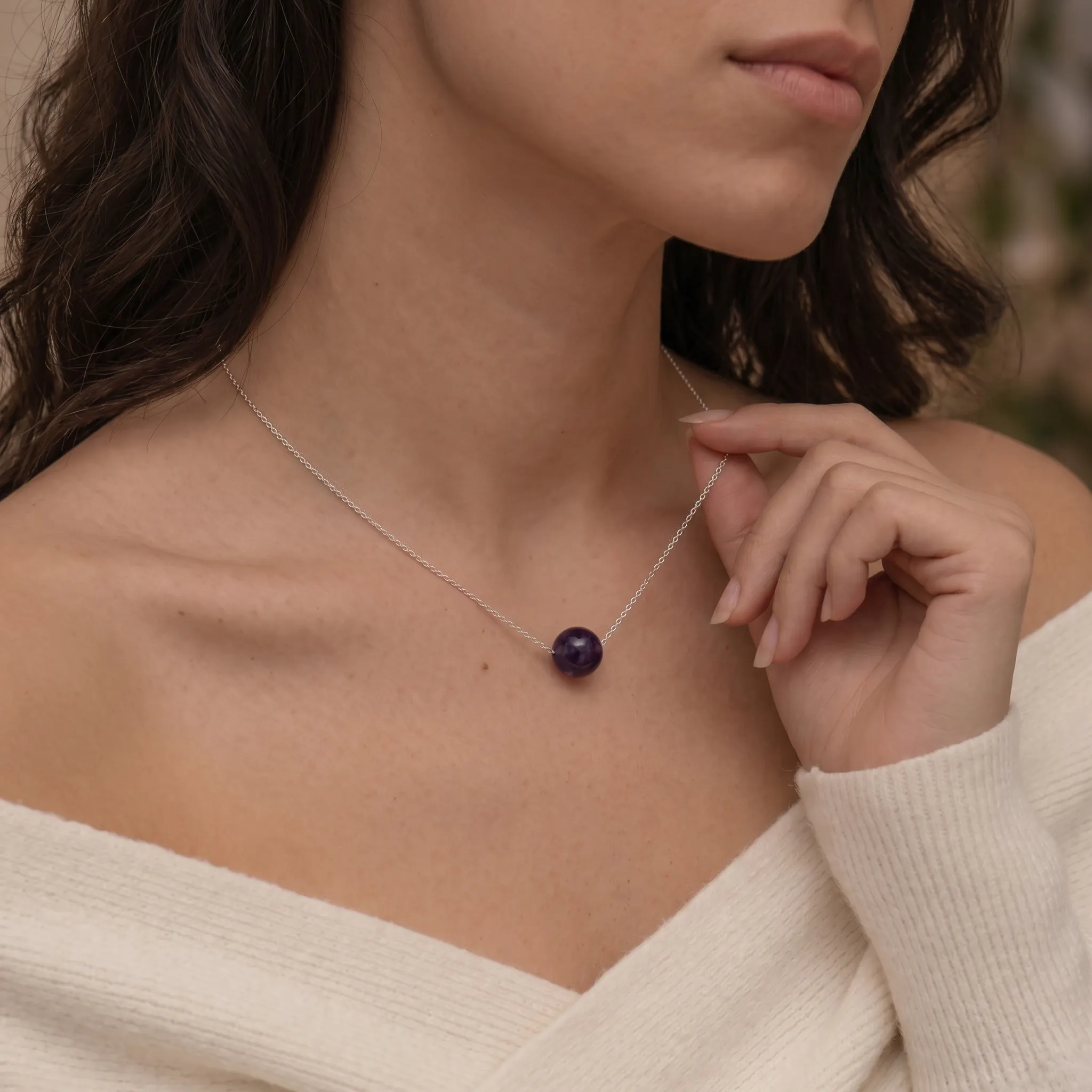
A silver chain necklace reference with a single purple bead, useful for comparing simple pendant scale and neckline placement.
General ecommerce
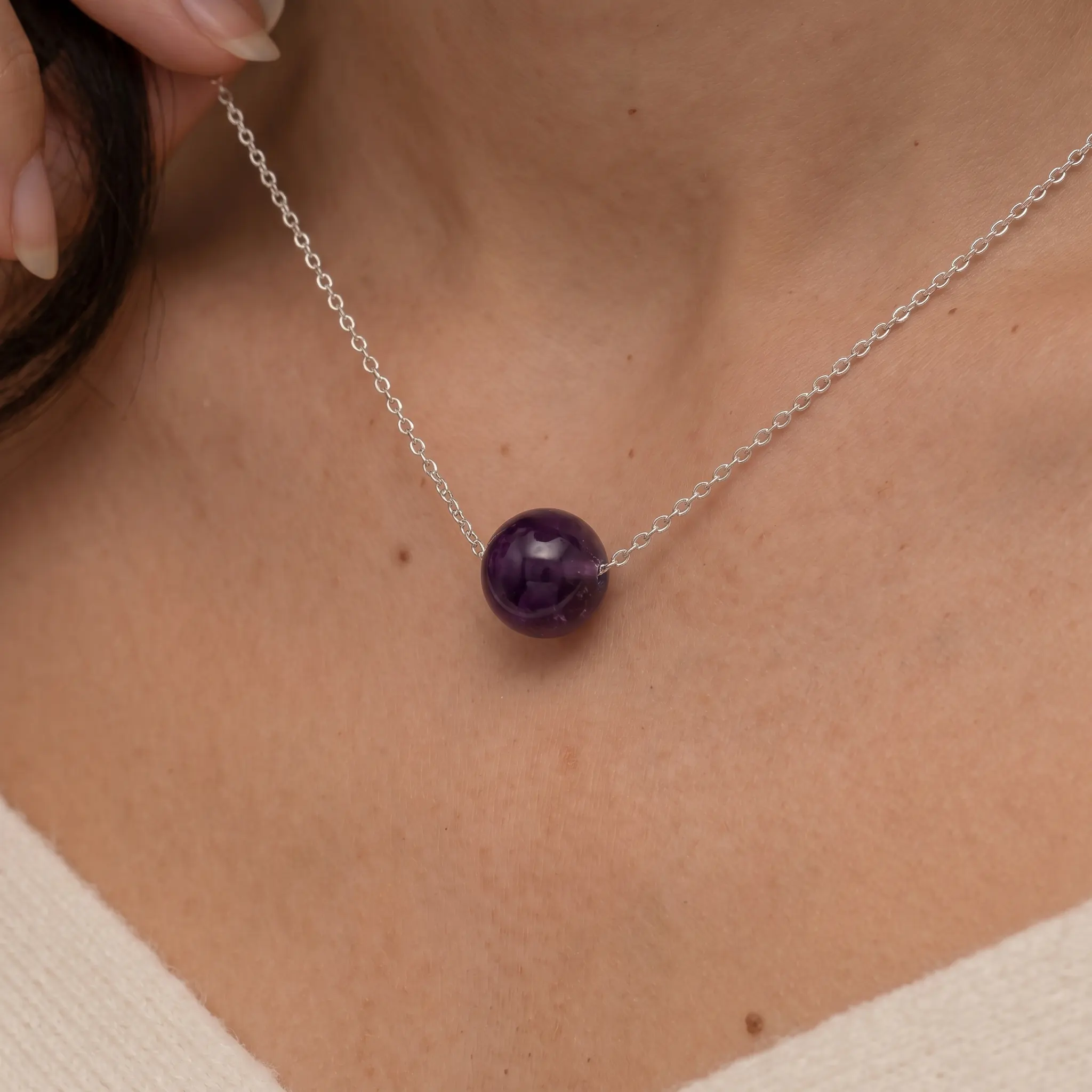
A tighter silver-chain amethyst bead crop that works as a support image beside a broader on-model necklace view.
General ecommerce
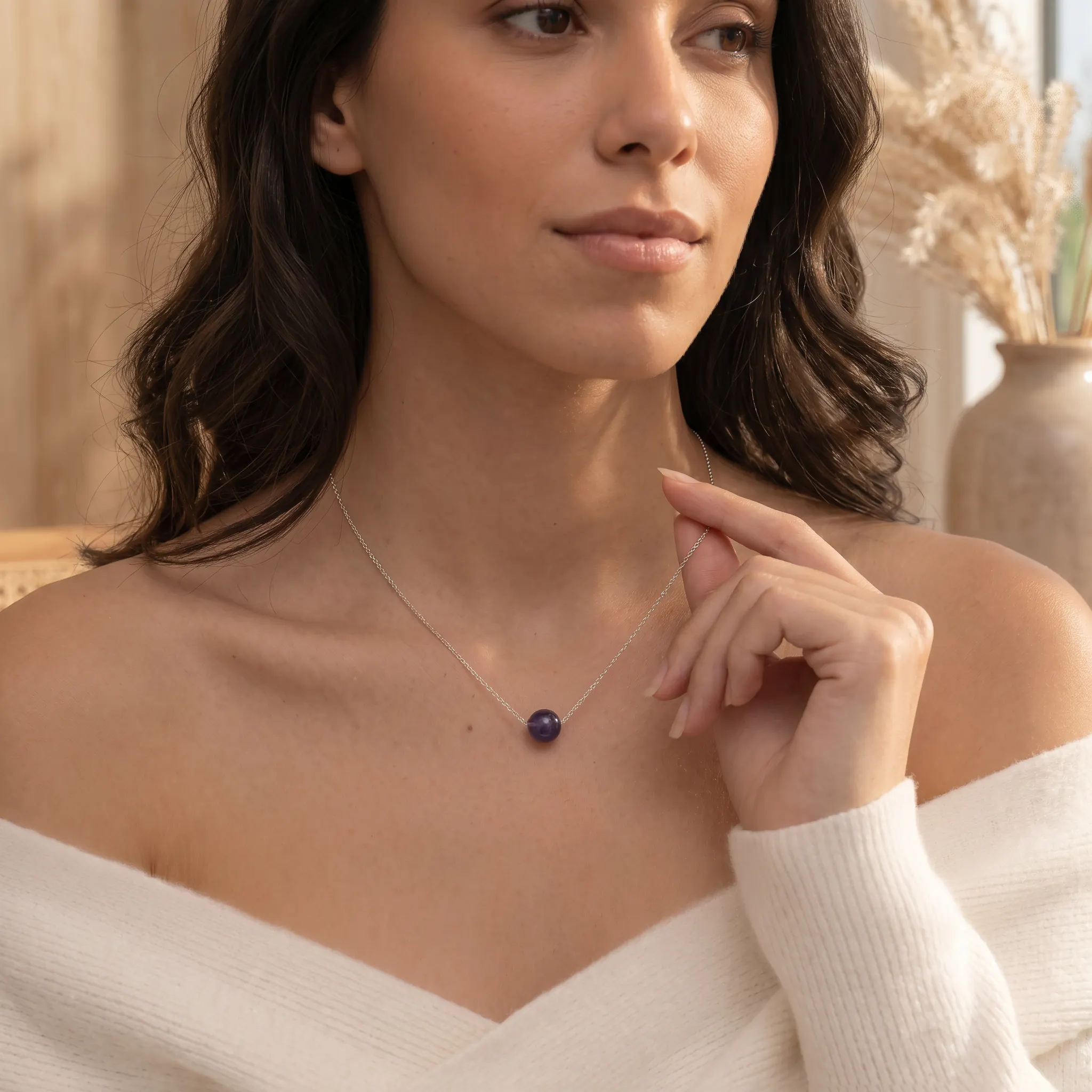
A simple purple bead necklace on-model reference for comparing small pendant visibility in lifestyle crops.
Seller Fit
Use these notes to decide whether this visual direction belongs in the hero image, product gallery, or a supporting ecommerce workflow.
Pendant PDP hero images
Close-up support shots
Neckline placement guides
Use Cases
The goal is to turn the visual examples into a tighter production brief.
Create Similar Photos
Use the gallery to choose the image role first, then generate a consistent set from your product photo.
Step 1
Decide whether your necklace needs a hero, a detail close-up, a worn-scale shot, or a collection crop. The gallery below shows each role for pendant placement and scale planning.
Step 2
Choose the neckline placement, crop distance, and styling that suit Pendant necklace listings, so the image makes pendant size, chain length, and neckline placement easy to read at a glance.
Step 3
Upload one product photo to AI Necklace Model and create a consistent necklace set you can use across Pendant necklace listings, Shopify PDP galleries, and Etsy necklace launch pages.
Next Step
Start from your product image, choose the matching category workflow, and create model-on visuals for listings, PDPs, and launch pages without scheduling a photoshoot.
Open ToolFAQ
No. These examples show worn necklace context you can recreate with AI: upload a product image, choose the neckline placement and crop, and generate on-model shots that keep pendant size, chain length, and neckline placement believable.
They are built for pendant placement and scale planning. Strong fits include Pendant necklace listings, Shopify PDP galleries, and Etsy necklace launch pages. Treat them as Pendant PDP hero images and Close-up support shots rather than your only product photo.
Yes. Choose the crop and image role you want from the gallery, upload a product photo to AI Necklace Model, and generate a matching necklace set for listings, PDPs, and ads — without booking a model or studio.
Most stores convert best with one clear hero plus three to five supporting shots: a worn-scale image, a clean product crop, a detail close-up, and a context frame. Use the gallery to spot which roles your necklace listing is still missing.
Related Examples
These linked example pages include fuller merchandising notes for adjacent visual directions.
This example centers the pendant low enough to show shape and texture while keeping the neckline and collarbone visible for scale.
This example uses a classic V-neck crop and bright silver contrast to show sparkle, scale, and pendant placement in one frame.
The image balances softness and clarity, using a warm crop that keeps the pearl heart pendant readable while still feeling romantic and wearable.
This example shows how a playful motif pendant can still be merchandised cleanly when the frame emphasizes shape and skin contrast.
The nameplate and pink teardrop both stay readable, which matters for personalized jewelry that needs to sell both text and charm detail in one frame.
This image works when the pendant engraving and chain texture both need to be visible before the buyer opens the rest of the gallery.
Next Paths
Use these links when you are ready to generate similar images or compare this intent with a broader planning guide.
Related Path
Browse the full necklaces example library before choosing a more specific search intent.
Related Path
Generate your own on-model necklace photos after choosing a visual direction.
Related Path
Compare necklace model shots, pendant close-ups, and PDP image sequences.