
Step 1
Pick the image role
Decide whether your ring needs a hero, a detail close-up, a worn-scale shot, or a collection crop. The gallery below shows each role for ring detail gallery planning.
Ring Detail Photo Examples collect close-up ring references for ring detail gallery planning: the macro crops that prove craftsmanship and finish before a shopper ever zooms in. Each reference in the gallery below is chosen to highlight stone size, band width, and finger scale, so you can judge crop distance and image role at a glance. These directions suit Shopify PDP galleries, Etsy alternate images, and Ring product detail modules, and work best as PDP support shots that build buyer confidence rather than a single catch-all photo. When one matches your catalog, open AI Ring Model and recreate it from a single product image — no model booking, studio, or reshoot required.
Scenario
ring detail gallery planning
Gallery
9 curated images
Output
listing-ready brief

A ring-on-hand close-up that keeps the eternity band crisp, wearable, and easy to judge for sparkle and scale.
Image Gallery
Each image is a curated reference for comparing crop distance, model context, and image role before creating a seller-ready production brief.
Shopify
A ring-on-hand close-up that keeps the eternity band crisp, wearable, and easy to judge for sparkle and scale.
Shopify
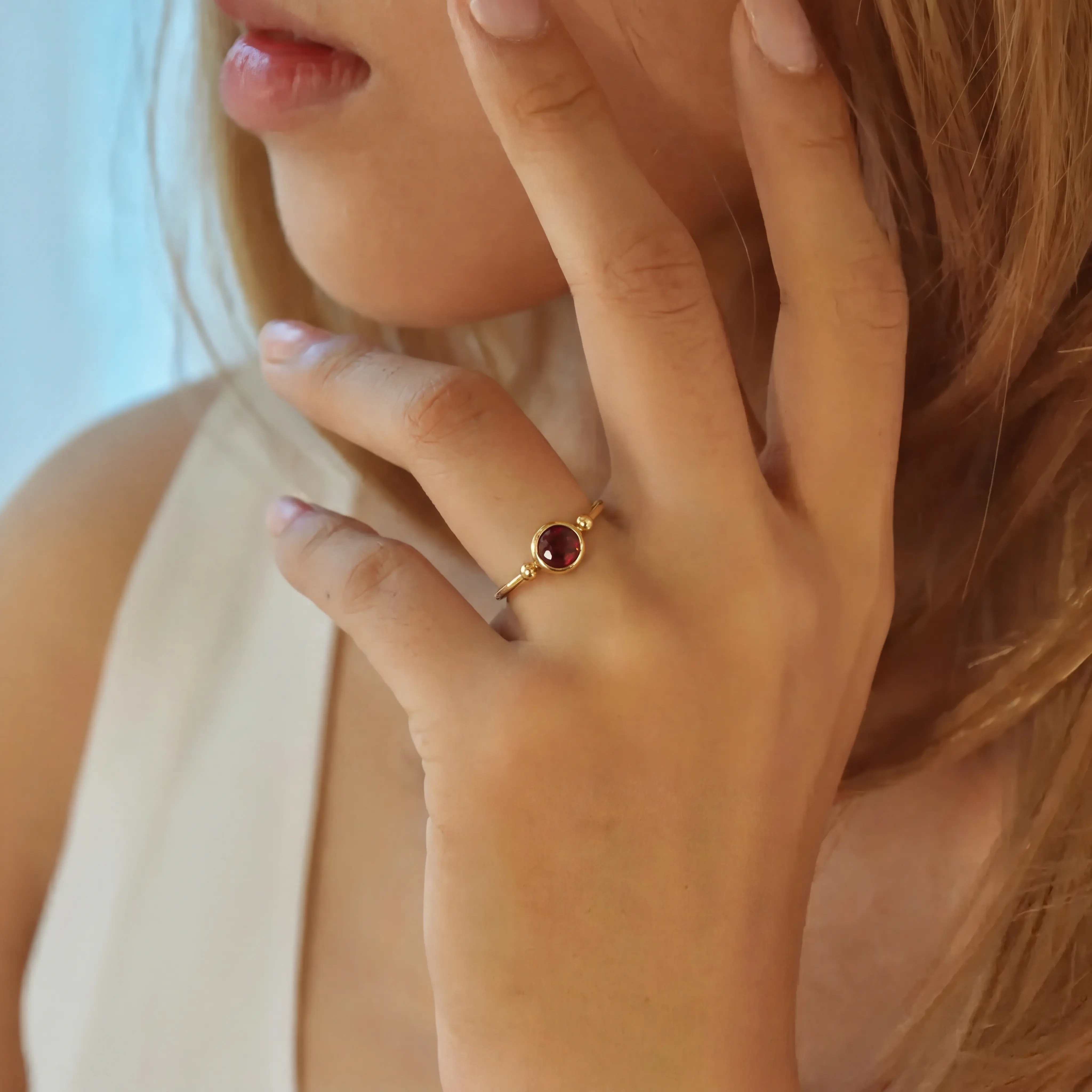
A square close-up of a red gemstone gold ring that gives ring gallery pages a stronger color-led product reference.
Etsy
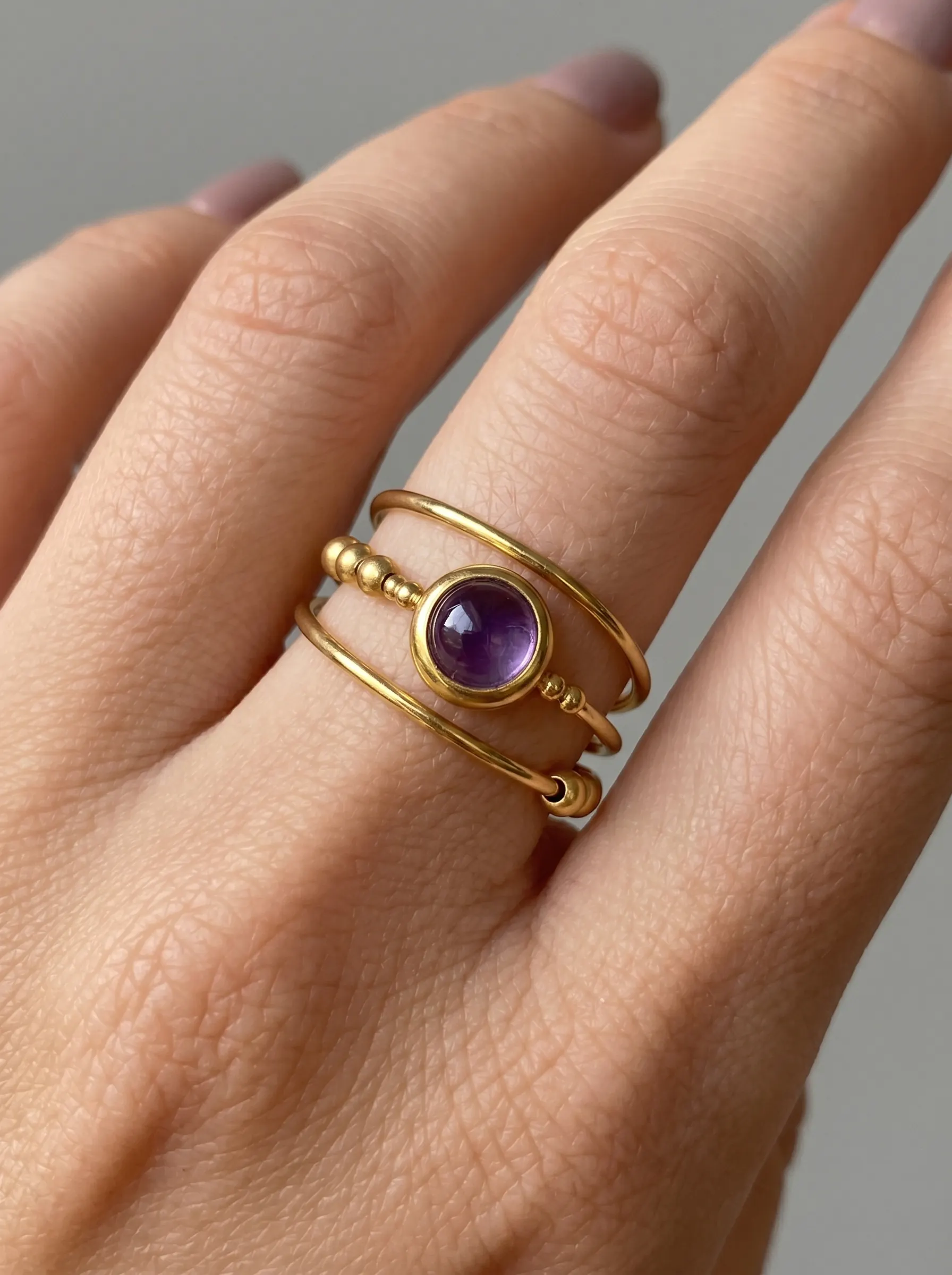
A close ring detail with a purple amethyst cabochon, useful for comparing stone color, bezel height, and finger scale.
Etsy
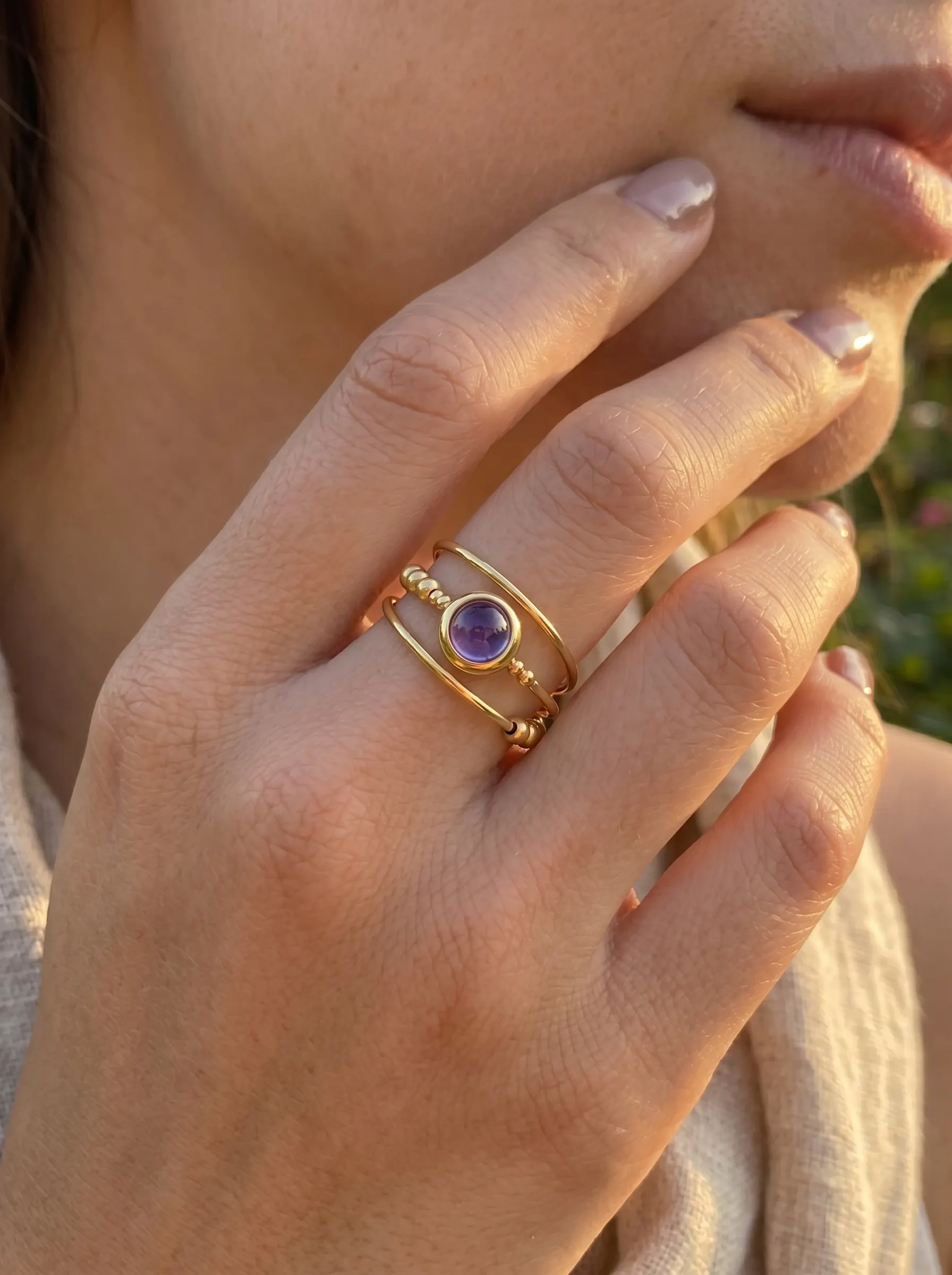
An alternate amethyst bezel ring close-up that belongs in a detail gallery alongside similar gemstone ring crops.
Etsy
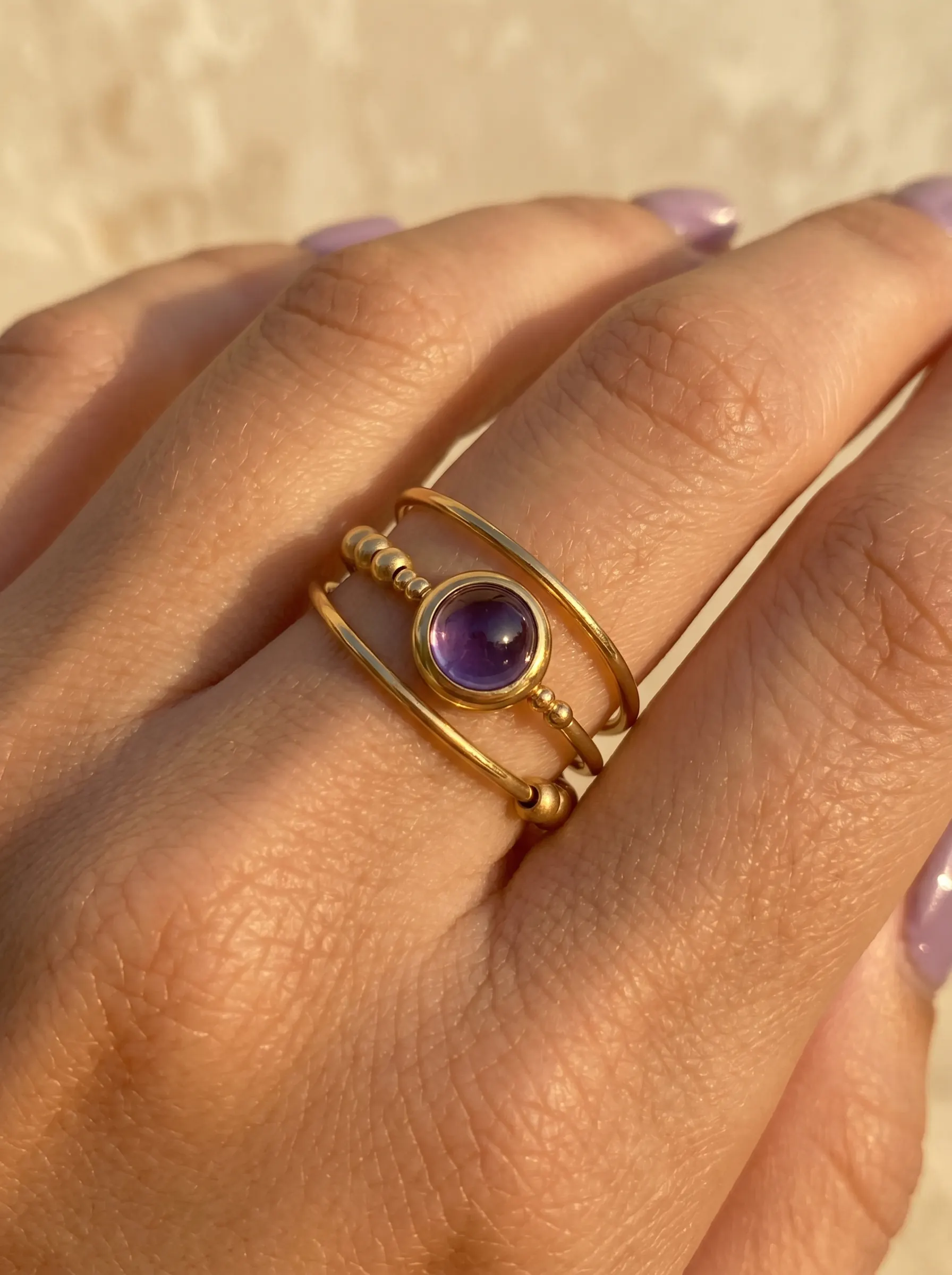
A tight gold cabochon ring crop that works as a supporting ring-detail reference for gemstone sellers.
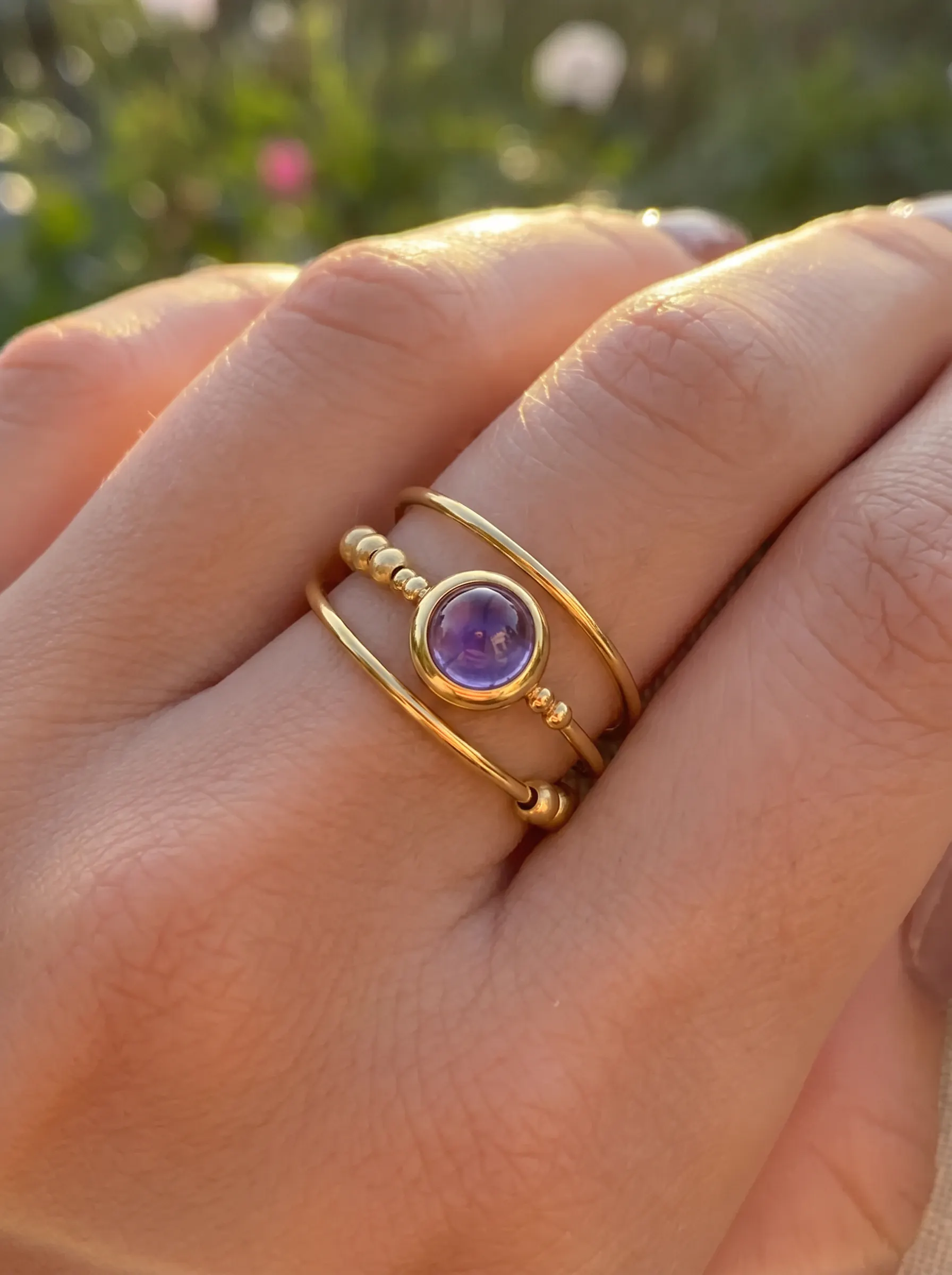
Etsy
A second cabochon ring detail for comparing small crop and hand-position changes inside one gallery page.
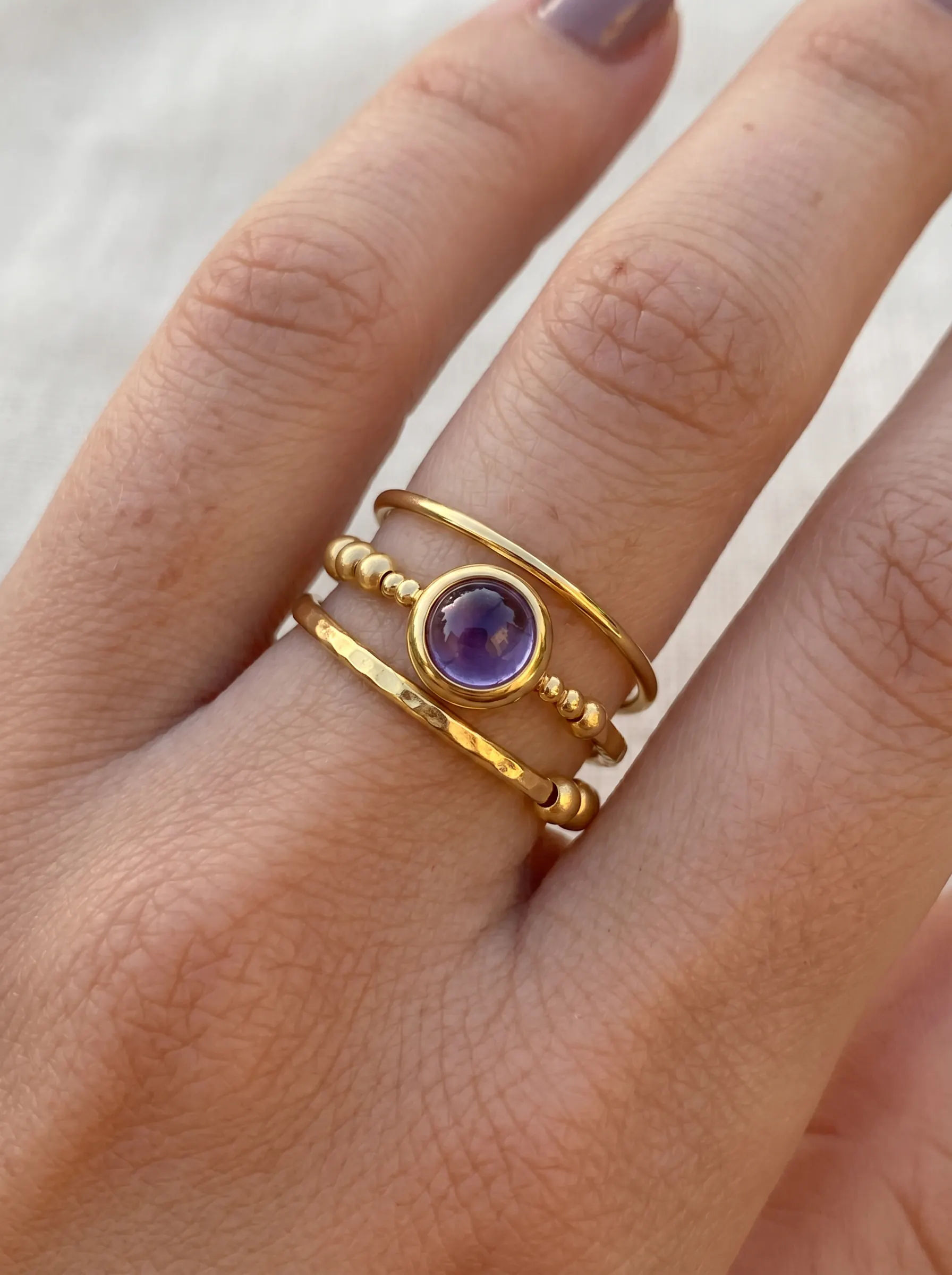
Etsy
A stacking ring detail crop for comparing how a colored cabochon reads when grouped with adjacent rings.
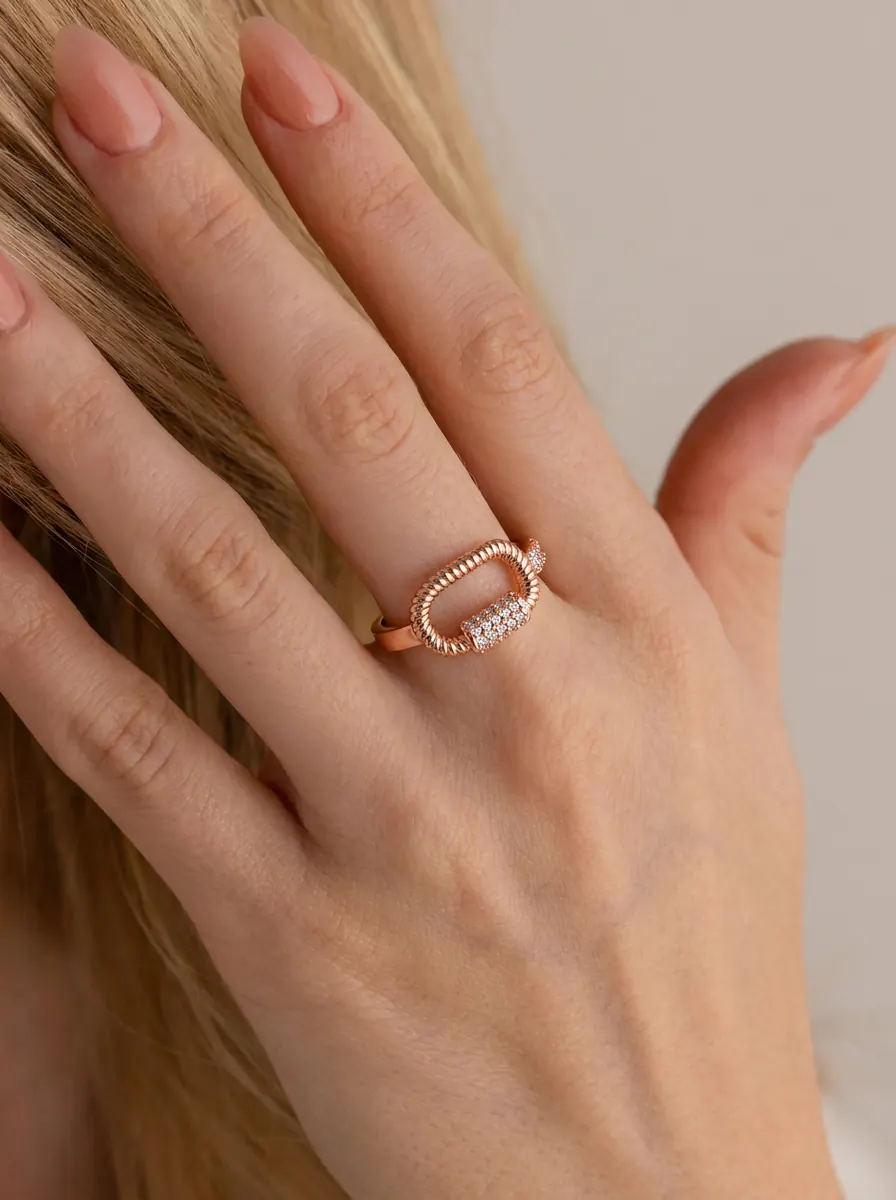
Shopify
A rose gold pave ring detail with a sculptural carabiner shape, useful for Shopify product-photo comparisons.
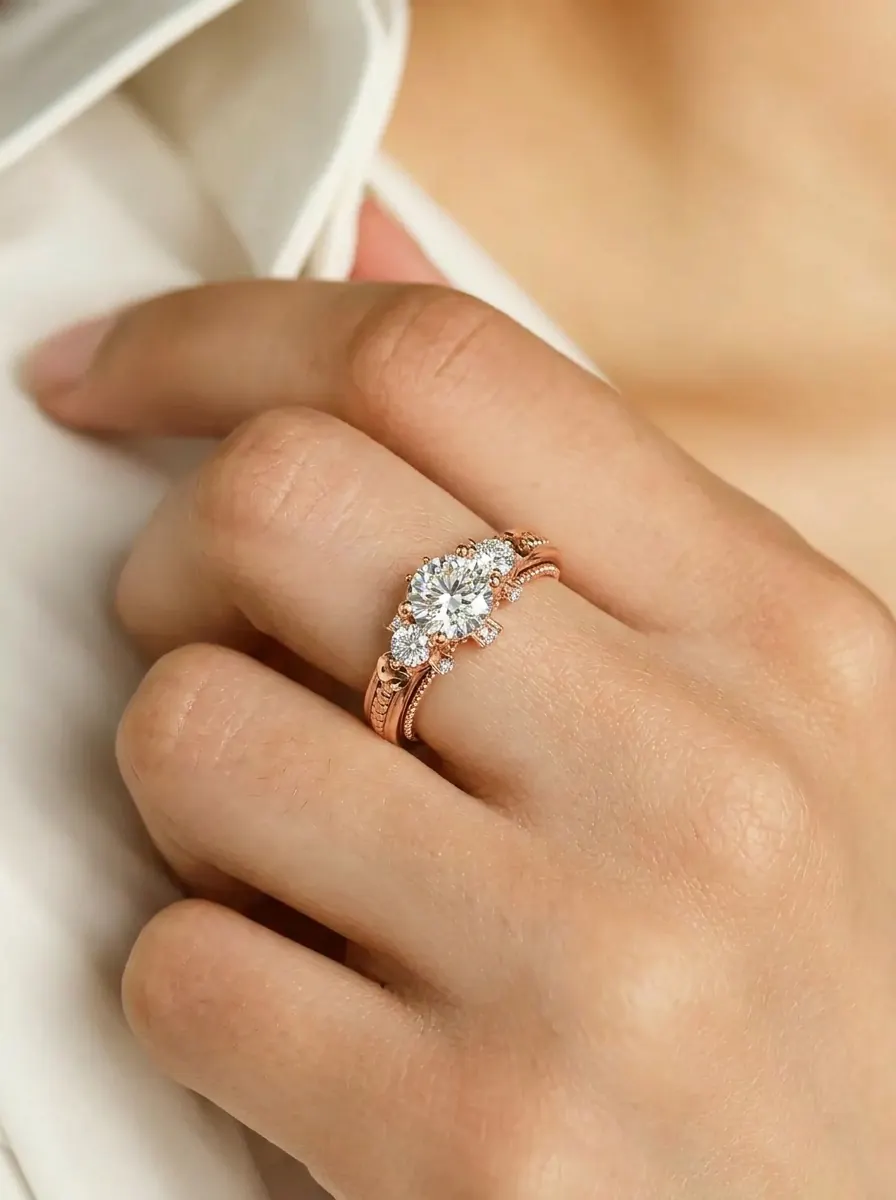
Shopify
A rose gold engagement ring close-up for ring detail and Shopify PDP galleries where diamond scale needs to stay clear.
Seller Fit
Use these notes to decide whether this visual direction belongs in the hero image, product gallery, or a supporting ecommerce workflow.
PDP support shots
Stone and band detail images
Trust-building close-ups
Use Cases
The goal is to turn the visual examples into a tighter production brief.
Create Similar Photos
Use the gallery to choose the image role first, then generate a consistent set from your product photo.
Step 1
Decide whether your ring needs a hero, a detail close-up, a worn-scale shot, or a collection crop. The gallery below shows each role for ring detail gallery planning.
Step 2
Choose the hand placement, crop distance, and styling that suit Shopify PDP galleries, so the image makes stone size, band width, and finger scale easy to read at a glance.
Step 3
Upload one product photo to AI Ring Model and create a consistent ring set you can use across Shopify PDP galleries, Etsy alternate images, and Ring product detail modules.
Next Step
Start from your product image, choose the matching category workflow, and create model-on visuals for listings, PDPs, and launch pages without scheduling a photoshoot.
Open ToolFAQ
Tight focus on stone size, band width, and finger scale, even lighting with no blown highlights, and a clean background so the material reads clearly. The gallery below shows crops that still hold up when a shopper zooms to full screen.
They are built for ring detail gallery planning. Strong fits include Shopify PDP galleries, Etsy alternate images, and Ring product detail modules. Treat them as PDP support shots and Stone and band detail images rather than your only product photo.
Yes. Choose the crop and image role you want from the gallery, upload a product photo to AI Ring Model, and generate a matching ring set for listings, PDPs, and ads — without booking a model or studio.
Most stores convert best with one clear hero plus three to five supporting shots: a worn-scale image, a clean product crop, a detail close-up, and a context frame. Use the gallery to spot which roles your ring listing is still missing.
Related Examples
These linked example pages include fuller merchandising notes for adjacent visual directions.
Next Paths
Use these links when you are ready to generate similar images or compare this intent with a broader planning guide.
Related Path
Browse the full rings example library before choosing a more specific search intent.
Related Path
Generate your own on-hand ring photos after choosing a visual direction.
Related Path
Plan ring hero images, hand crops, and detail shots for ecommerce pages.